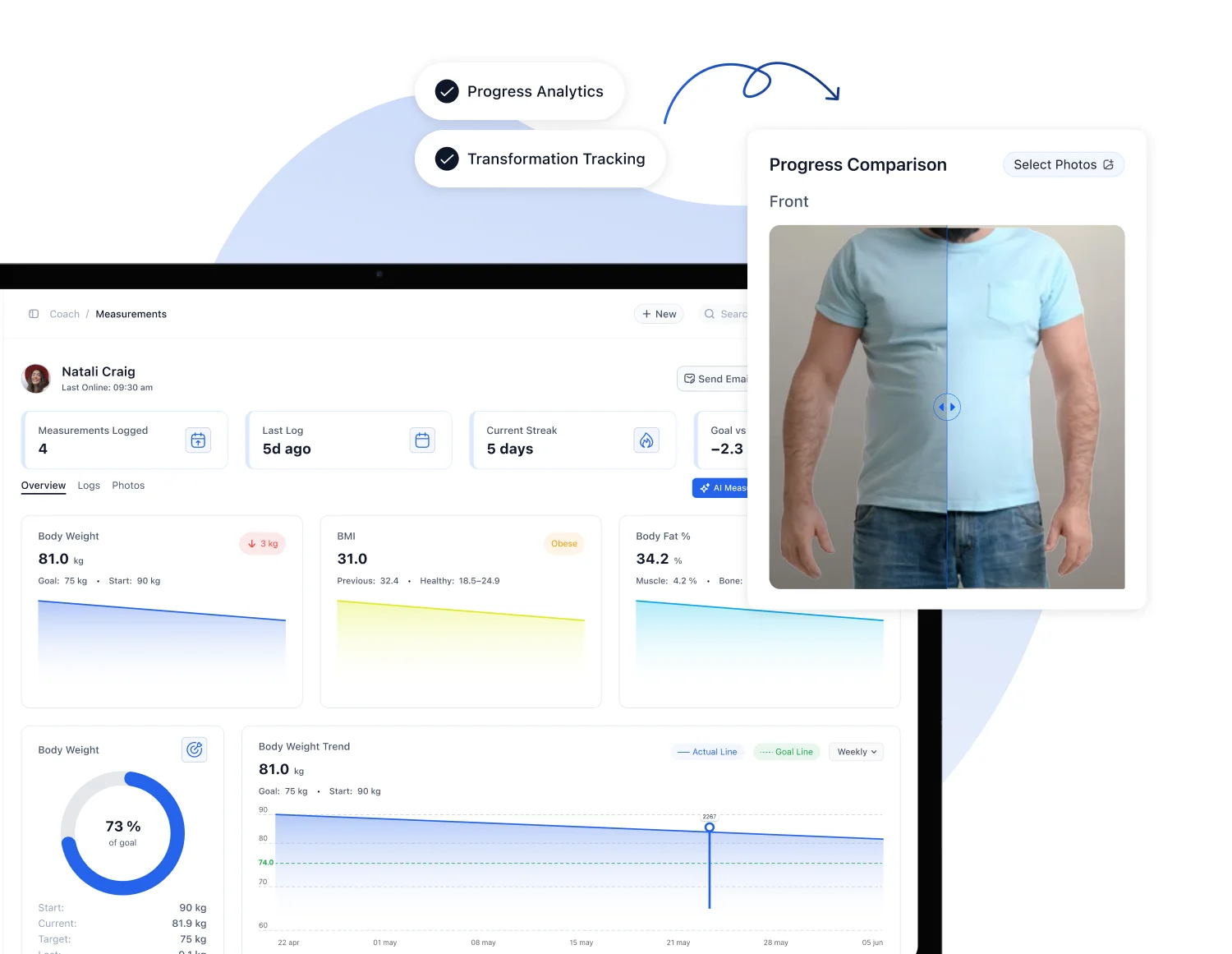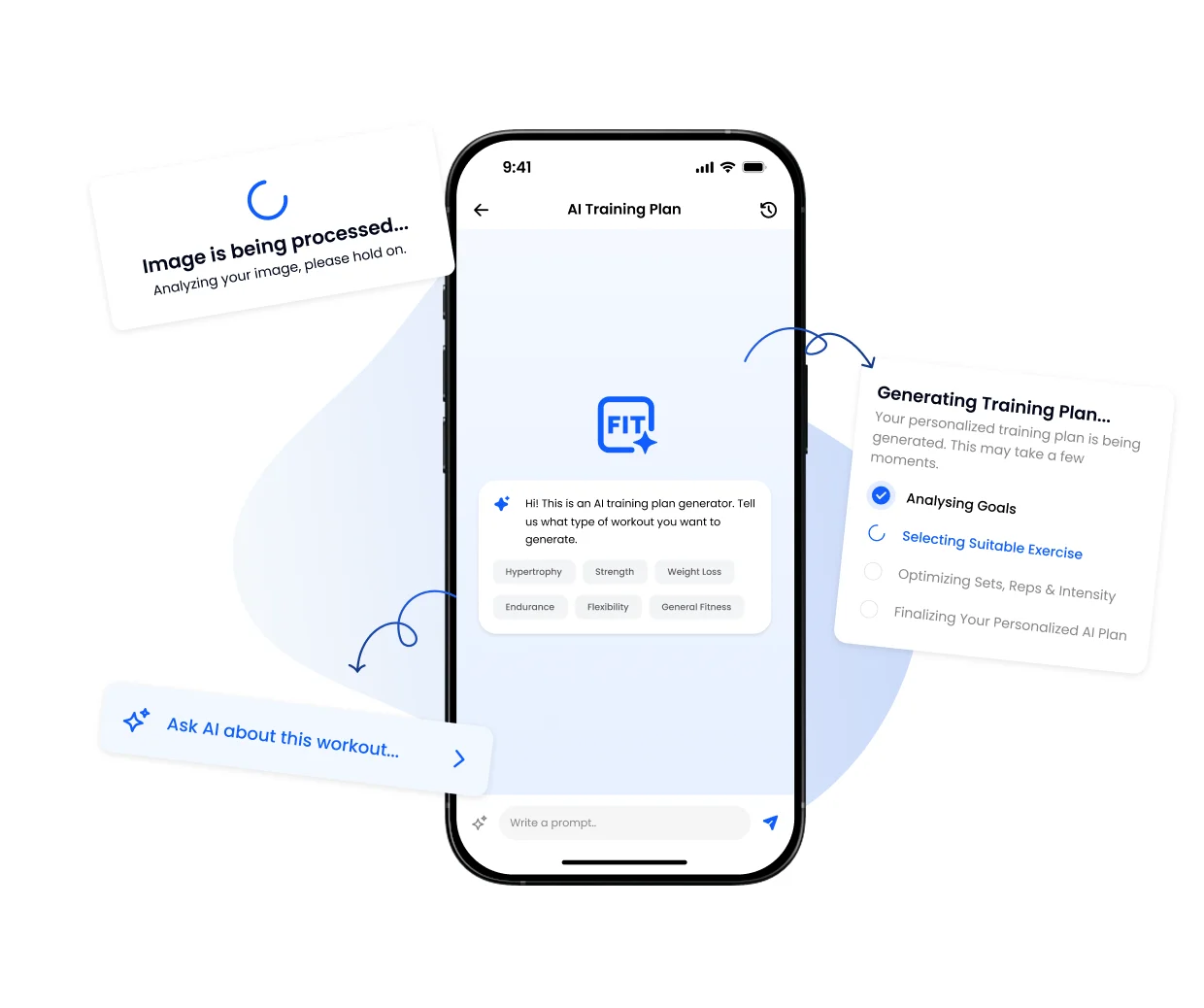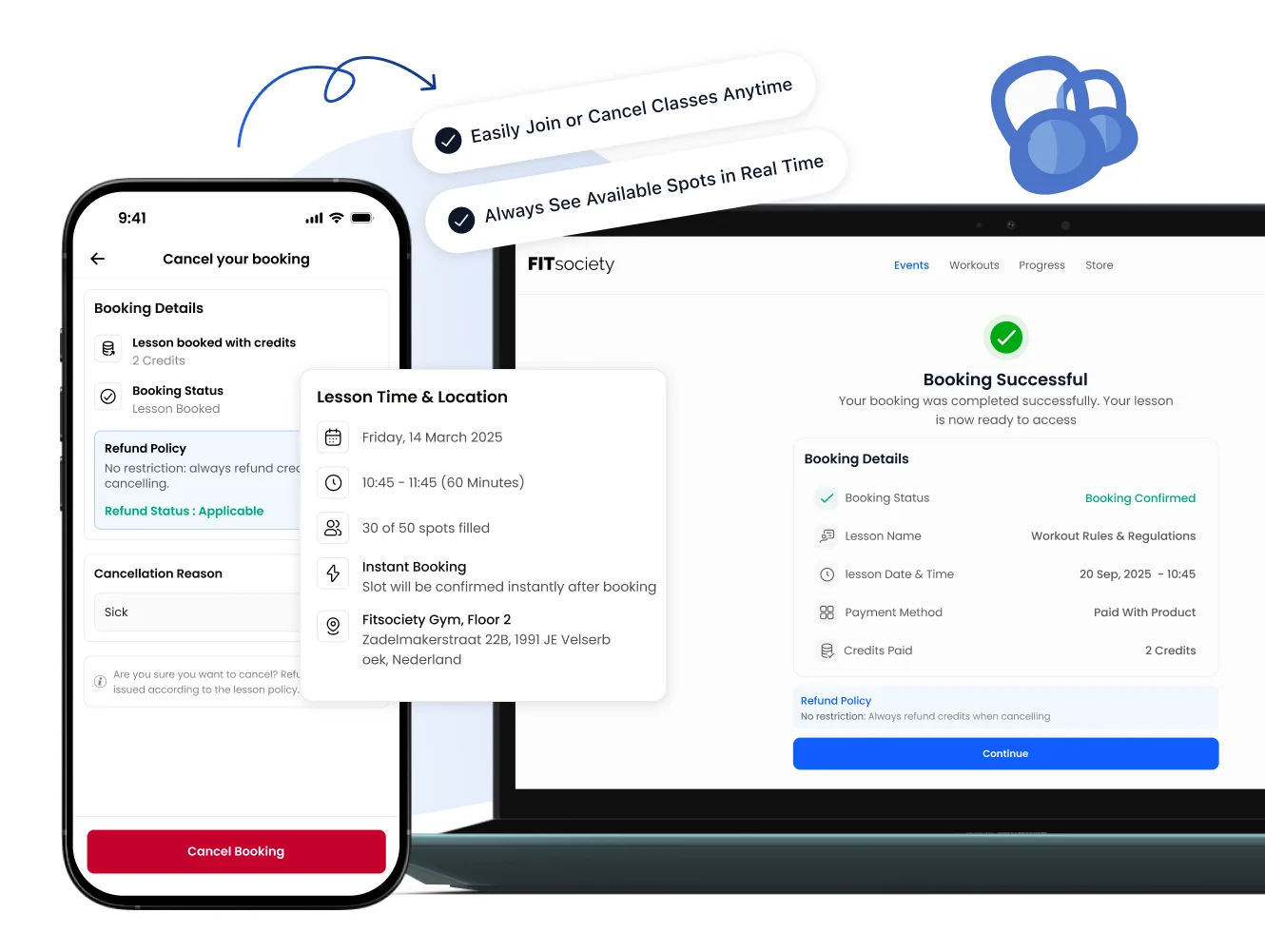
Practical answer: Plan the coach, space, duration and booking route for each session type before opening the calendar. Test a one-to-one appointment, a group-class place and a cancellation as separate journeys. A visible calendar does not prove that each booking route works.
Running personal training and group classes in one gym schedule is a practical coordination problem. A group class usually publishes a fixed start time, while one-to-one sessions depend on an agreed appointment or configured availability. Both may use the same coaches and rooms. Write down the intended behaviour before choosing a timetable or configuring software.
This guide adds a mixed-session planning worksheet to our existing weekly studio timetable guide and coach and location availability guide. Adapt the example worksheet to the coaches, rooms and booking setup your business actually uses.
Separate fixed classes from bookable appointments
On smaller screens, scroll the table horizontally.
| Decision | Group class | Personal training |
|---|---|---|
| Start time | Publish a defined class time. | Use an agreed appointment or configured bookable availability. |
| Coach | Name the coach responsible for the class. | Confirm which coach or coaches may deliver the appointment. |
| Space | Identify the room or training area needed. | Confirm whether the appointment needs a location or shared equipment. |
| Duration and transition | Account for the class and the time needed to finish and reset. | Use a suitable appointment duration and any configured buffer. |
| Booking journey | Test reserving one place in the class. | Test choosing an eligible coach, location and time in the intended flow. |
The client should understand which service they are choosing. A label such as “Training” can hide whether they are booking a group-class place, a one-to-one appointment or a different format. Use names and descriptions that make the choice clear.
Build a weekly coach-and-space worksheet
Start with a small part of the week that contains both services. For each session, record the delivery time and the transition the team actually needs. The example below uses the same training room for successive services.
| Time | Service | Coach and space | Planning check |
|---|---|---|---|
| 17:00–17:45 | Group class | Coach A, Room 1 | The class ends at 17:45; agree the reset process. |
| 17:45–18:00 | Transition | Room 1 | Example planning interval, not an automatic product setting. |
| 18:00–18:45 | One-to-one PT | Coach B, Room 1 | Confirm the appointment and space are available in the intended booking route. |
| 18:45–19:00 | Review or preparation | Coach B | Protect any time the coach needs before their next commitment. |
A coach can be available while the room is occupied, or a room can be free while the required coach is unavailable. Review both constraints. Include equipment where it is a real bottleneck rather than assuming that an empty calendar means the service can be delivered.
Choose how individual appointments become bookable
FITsociety documents coach-led, location-led and combined availability for individual sessions. Choose the route that matches the service rather than enabling every option. In a coach-led service, the person may choose the coach first; in a location-led service, the bookable location is central. Confirm the configured behaviour in your own app or portal.
The availability planning guide explains the decisions behind those routes. Group-class sign-ups and individual appointments should each be tested in their own journey. Do not assume a change in one automatically produces the desired behaviour in the other.
Test these four journeys before sharing the schedule
- Book a group-class place. Use an authorised test account and confirm that the correct class, date, time, coach and location are shown.
- Book a PT appointment. Check the eligible options in the intended coach/location route and confirm that the final appointment matches the selection.
- Inspect a planned conflict. Check how your configured system handles a coach or space that is already committed. Record the actual outcome instead of assuming a particular conflict rule.
- Cancel through the intended route. Verify the resulting booking status and what the coach and client see. Check any applicable payment, credit or cancellation handling separately.
Keep test cases controlled and use your established procedure for test bookings. A payment attempt, credit balance and booking status describe different parts of the process. Do not make a real charge simply to see whether a calendar screen looks right.
Tell clients which route to use
Our group timetable is available in [app or portal route]. To arrange a one-to-one appointment, use [specific booking route] and select [coach/location as applicable]. Check the session type, date and time before confirming. For changes or cancellations, follow [your published procedure].
Replace every placeholder with the route you have actually tested. Our online booking page checklist covers the decisions to make before sharing a public link.
Review the mixed schedule each week
Use a short operational review: where were transitions tight, which bookings needed manual clarification, and which records are still unresolved? Review individual cases before changing the whole week. A full class, an occupied room and a busy coach are different constraints and may call for different adjustments.
If you use an AI connection, begin with a bounded read-only question about accessible booking records, such as a named client’s attendance over a defined period. The MCP integration does not replace the configuration and tests above or guarantee an optimal timetable. Any selected write action needs its own permissions and review process.
Frequently asked questions
Can one platform support personal training and group classes?
FITsociety provides scheduling for individual sessions and group classes. Your service setup, booking route, coach availability and location requirements still need to be configured and tested for the way your business works.
Does an empty coach calendar mean an appointment is available?
Not necessarily. The required location, service duration, buffer or eligibility may also matter. Check the full intended booking journey rather than judging availability from one screen.
Should I use the same booking instructions for every service?
Only when the tested client journey is actually the same. Explain the correct route for a fixed class and for an individual appointment so the client knows what they are reserving.
Will the software automatically prevent every possible conflict?
Do not assume that. Test the coach, location and session combinations your business uses and confirm the actual configured behaviour before publishing the schedule.
Check the fit with your business
Explore gym management software, personal training software and the calendar feature. Bring one mixed PT-and-group schedule to a demo and test the journeys that matter to your team.