
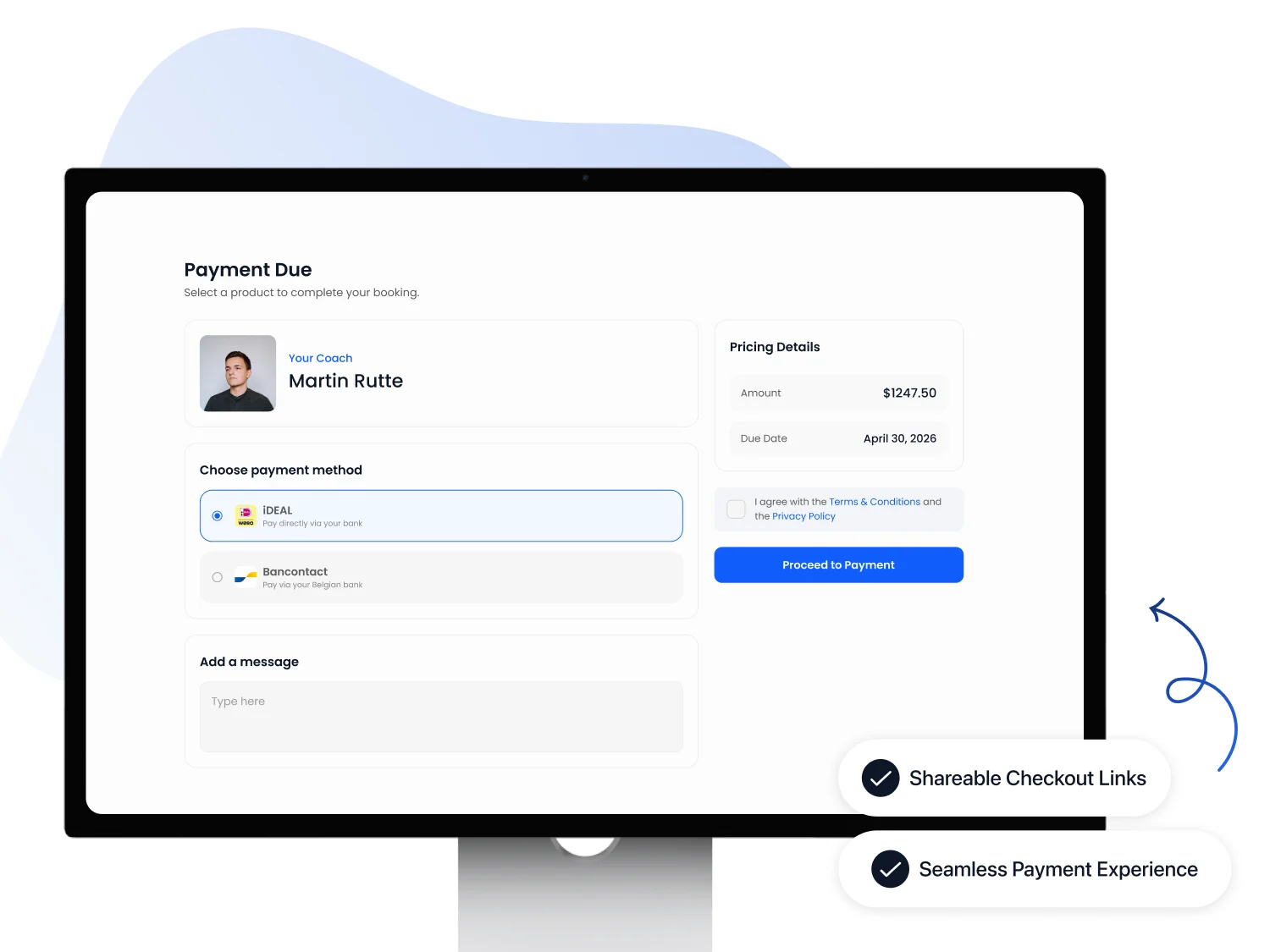
Process payments for subscriptions, bookings and products in FITsociety. Track invoices and payment statuses to see what has been paid and what needs attention. Available payment methods depend on your payment settings.
Try 7 days free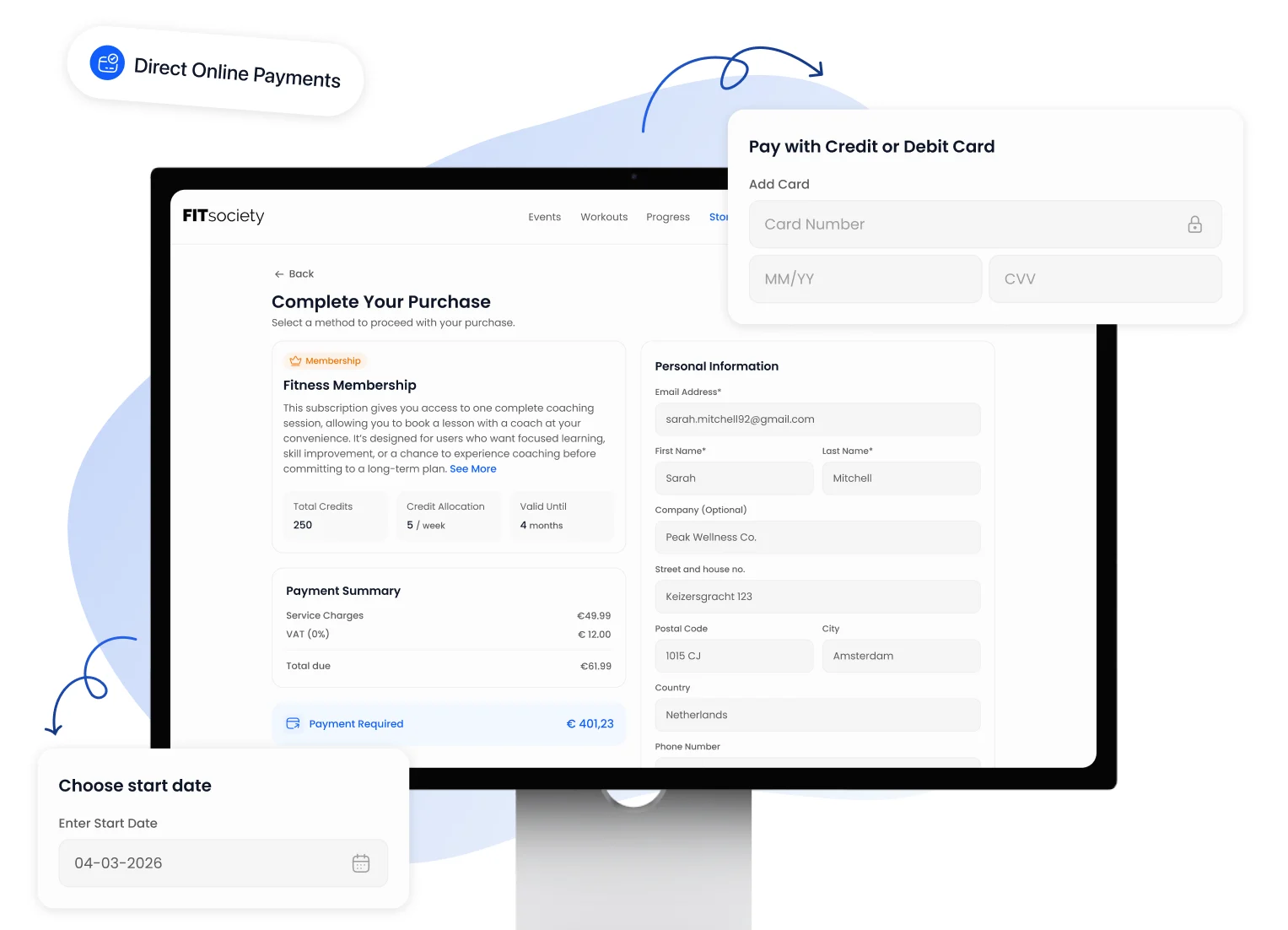
Not every payment moment is the same. Sometimes someone pays for a subscription, sometimes for a product or a one-off booking.
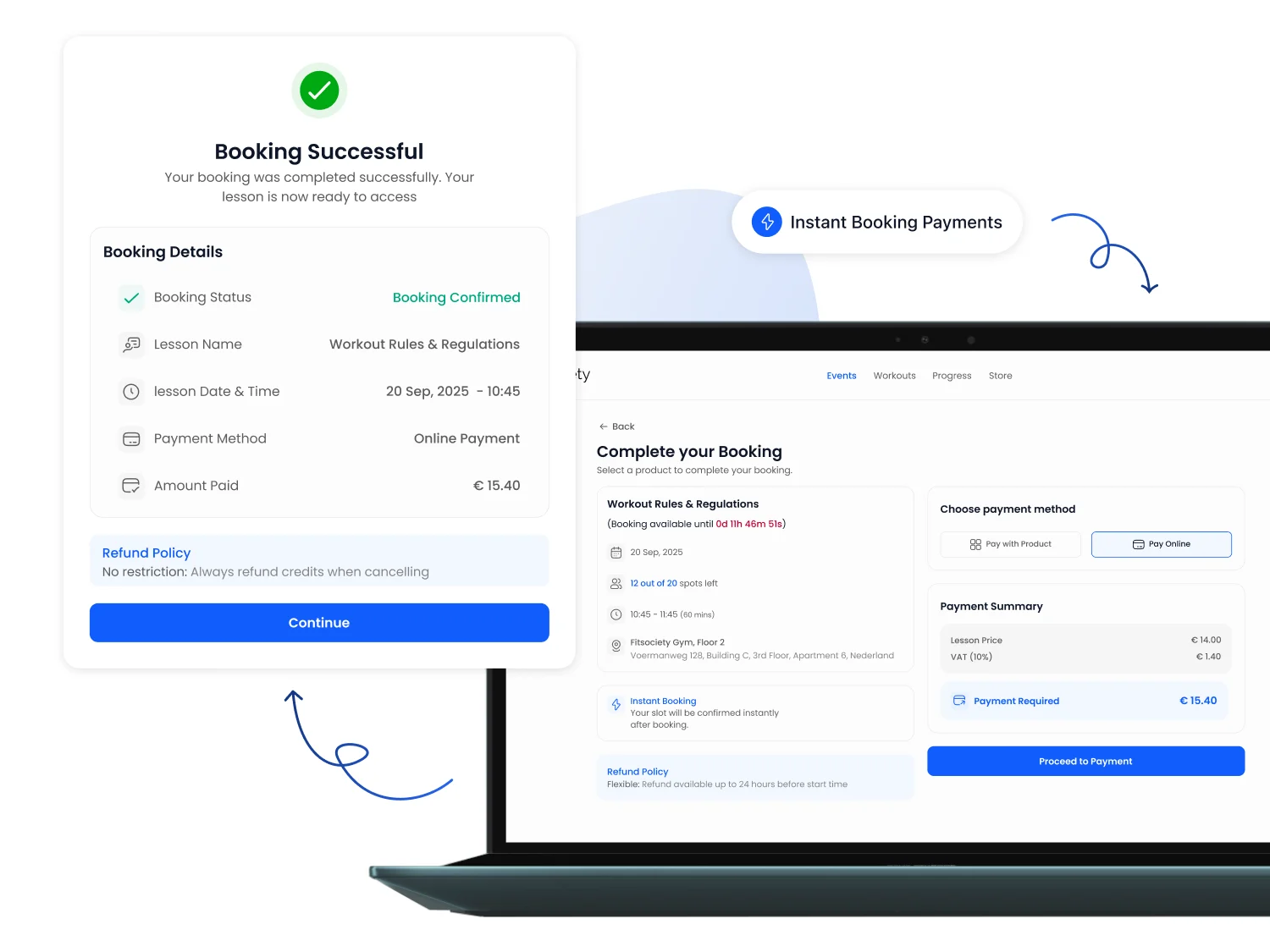
Clients prefer to pay in a way they already know.
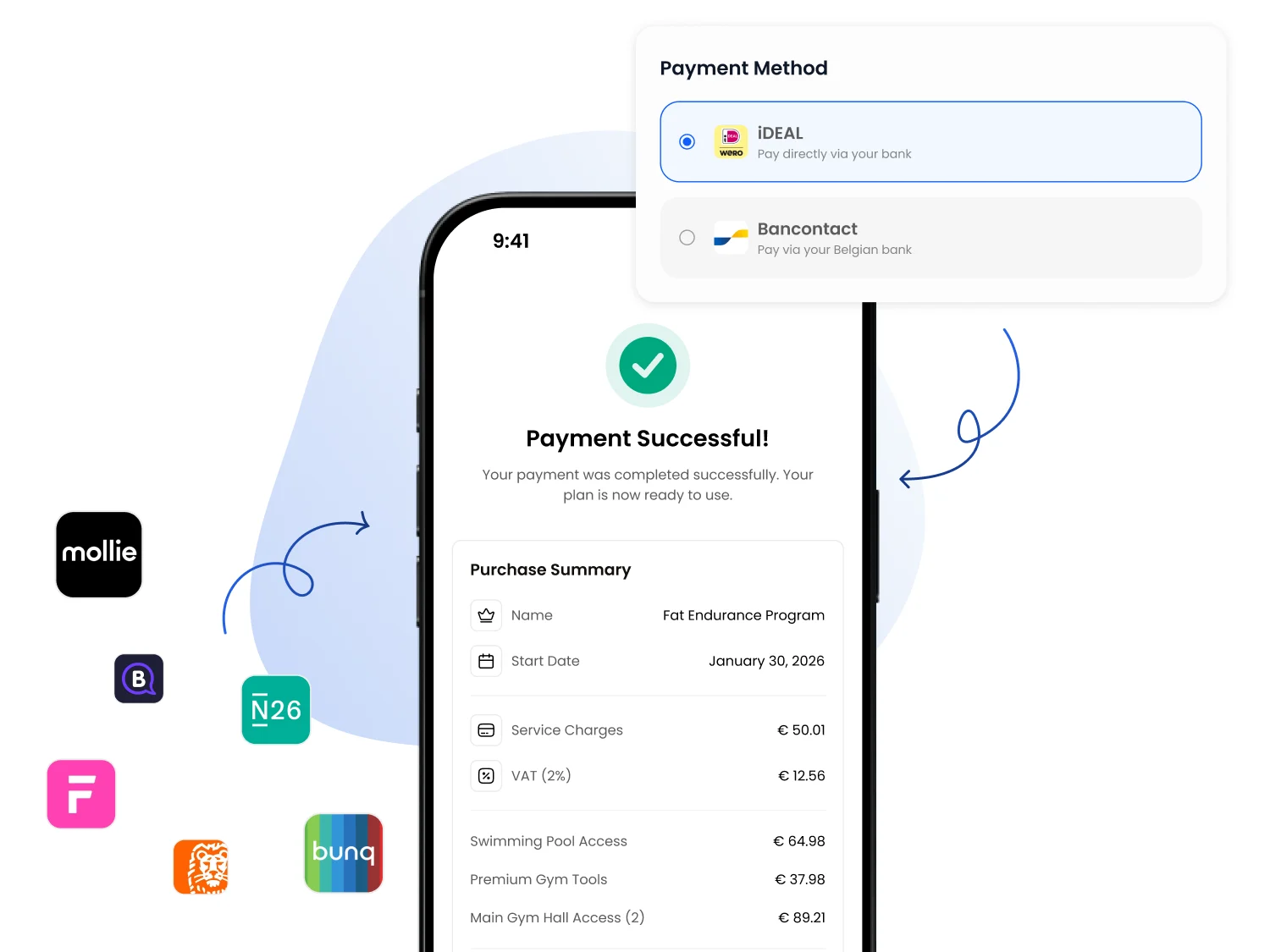
For a paid booking, clients can complete the payment process as part of booking. Your booking and payment settings determine the available options.
Check the payment status if a payment is not completed. Starting a payment attempt does not mean the money has been received.
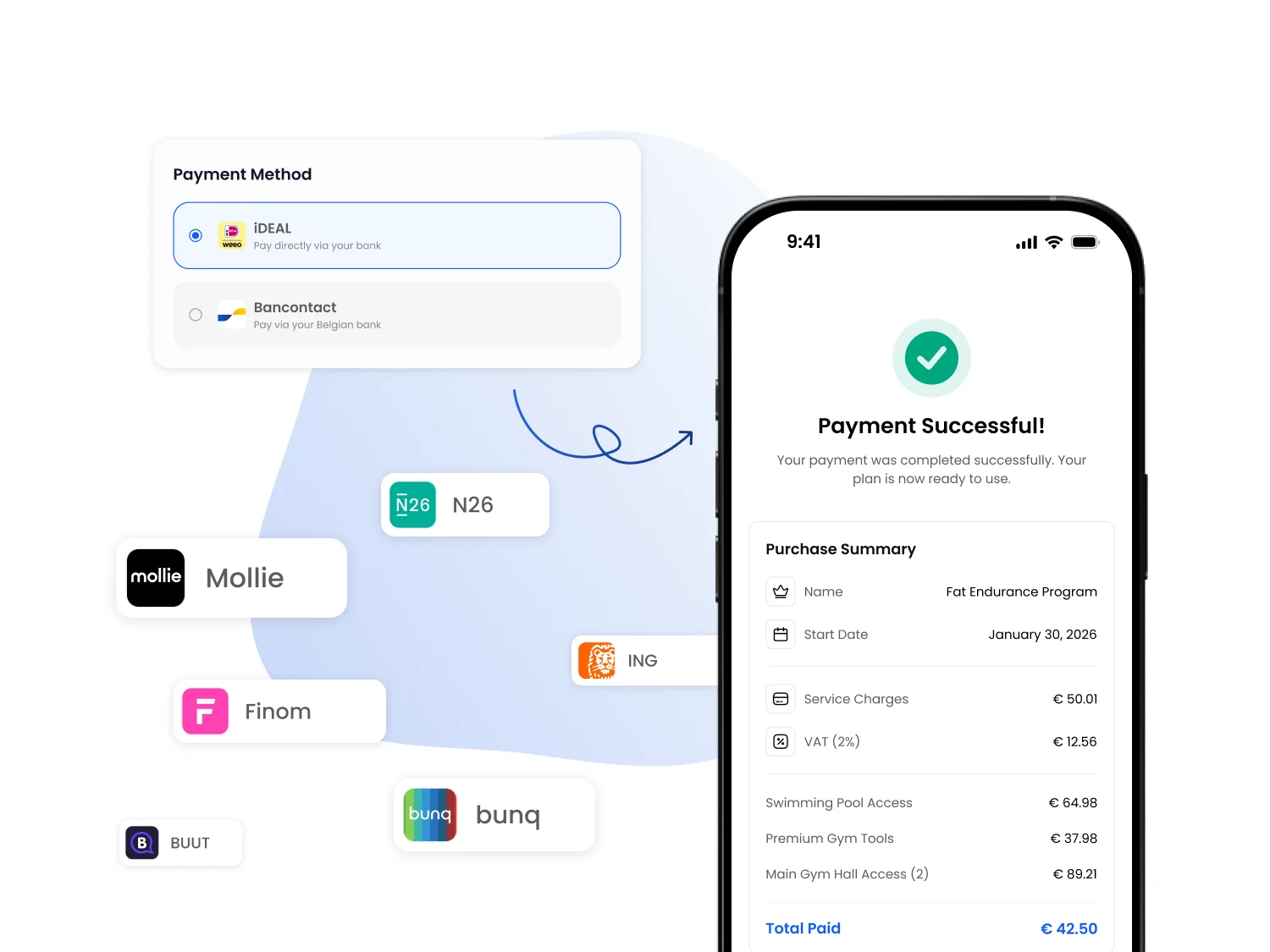
Sometimes you want a client to pay directly, without first sending them through your entire portal.
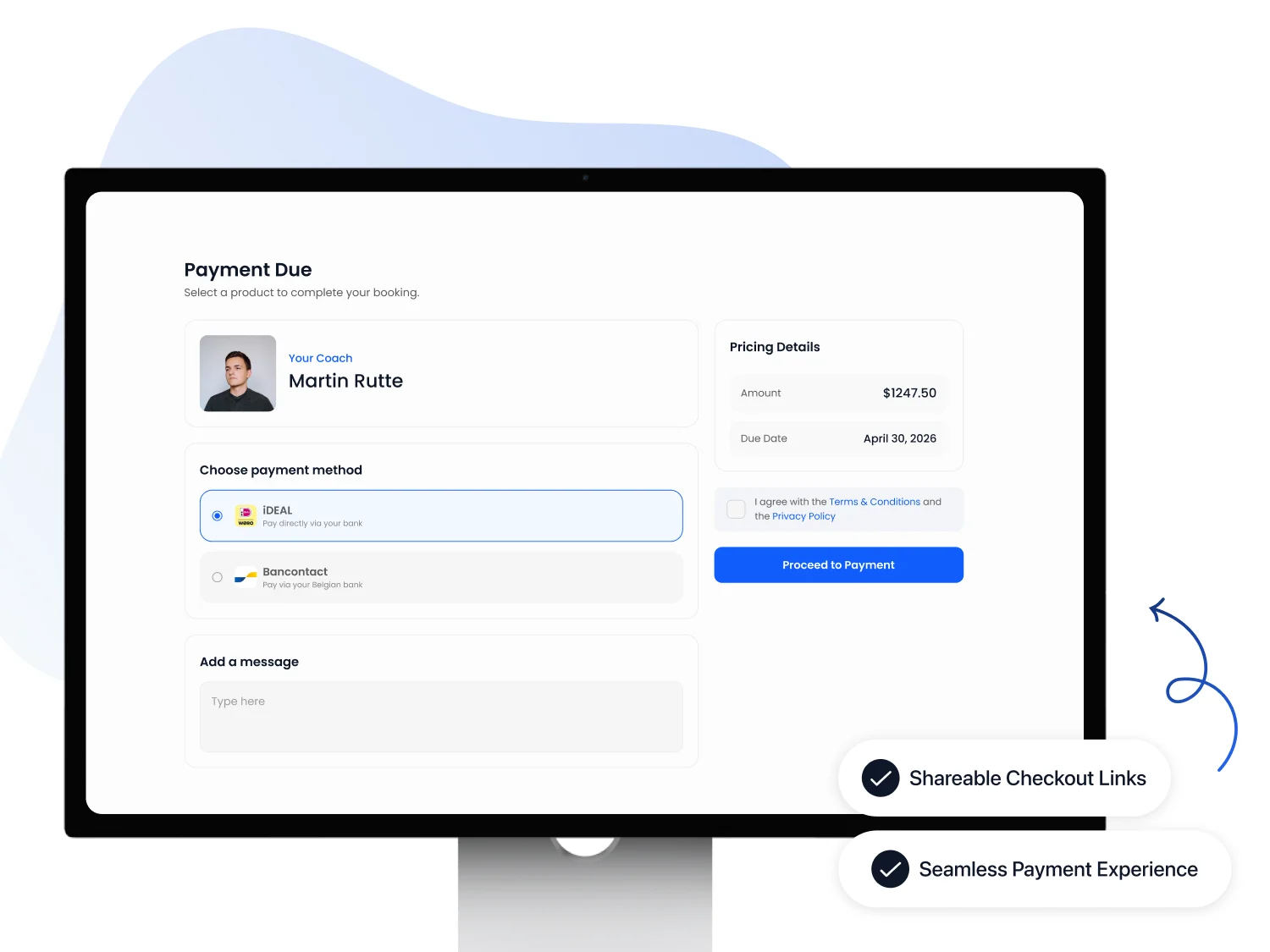
Yes. Clients can pay online, depending on your payment settings. You can track processing through the invoice and its payment status.
Yes, for bookings configured to require direct payment. Available options depend on the offering, booking settings and payment method.
For recurring subscription payments, an invoice is created for the configured billing period. With SEPA direct debit, the invoice is prepared before the payment is processed. Its payment status is updated afterwards, so an invoice being created does not mean it has been paid.
The payment attempt is marked as failed and the invoice remains outstanding. Check the invoice and payment details, then agree the next step with your client. Where a payment link is available, you can use it to let the client pay the invoice. Do not assume that every failed direct debit will be retried automatically.
Filter the invoice overview for outstanding invoices. Check each client's amount, due date and payment status to decide what needs follow-up. Also review payments that have been reversed: these need different follow-up from a payment that is still processing.
The subscription defines the offering and billing period. The invoice records the amount due; the payment shows whether that amount has been settled. Review these records together. The payment status of a single invoice does not describe all subscription terms or entitlements.
We will show you how subscriptions, invoices and payments connect and where to find outstanding invoices.