Practical answer: Use a small set of repeatable questions, review the same reporting period, and finish with one agreed next action. Keep recorded facts, the client’s explanation and your coaching decision separate. AI can prepare the review when access is approved; the coach decides what happens next.
A weekly client check-in should help a personal trainer decide what to keep, what to adjust and what to ask next. A long form is not automatically a better form. Start with questions you can act on, then use training records and the client’s answers to prepare a focused conversation.
Use the questions, illustrative review and note template below as a starting point for your own service. The optional AI workflow shows how to prepare the same review from approved FITsociety records.
Agree the purpose and reporting window first
Define what the check-in is for: reviewing the week’s training, identifying a practical obstacle or agreeing the next training week. Tell the client when to reply, when you will review it and which period the questions cover. Use explicit dates when the client and coach are in different time zones.
A client who is still completing the current week needs a different conversation from one reviewing a completed week. Keep the reporting window consistent so a comparison does not accidentally mix four days with seven.
A five-question weekly check-in template
On smaller screens, scroll the table horizontally.
| Question | What it helps the coach decide |
|---|---|
| Which planned sessions did you complete, change or miss? | Whether the recorded training reflects the client’s experience. |
| What went well, and what made it easier? | Which useful part of the routine to keep. |
| What got in the way of the plan? | Whether a schedule, equipment or communication issue needs attention. |
| What would you like to discuss before the next week? | Which question deserves a conversation rather than a guess. |
| What is one realistic next action you are willing to agree? | A specific action to review at the next check-in. |
Adapt the questions to your service and the client. Add a measurement or nutrition question only when it serves the agreed coaching purpose. Asking for more sensitive information creates more material to protect and review; it is not a shortcut to a better check-in.
Read the records before interpreting them
- Confirm the client and period. Open the correct profile and check the dates behind the summary.
- Look for recorded facts. Review the assigned plan, recorded sessions or bookings that the question actually needs.
- Mark missing information. An empty training log means that no log is available; it does not establish that the client skipped training.
- Compare the client’s explanation. Resolve a mismatch before deciding that the plan or the client’s commitment is the problem.
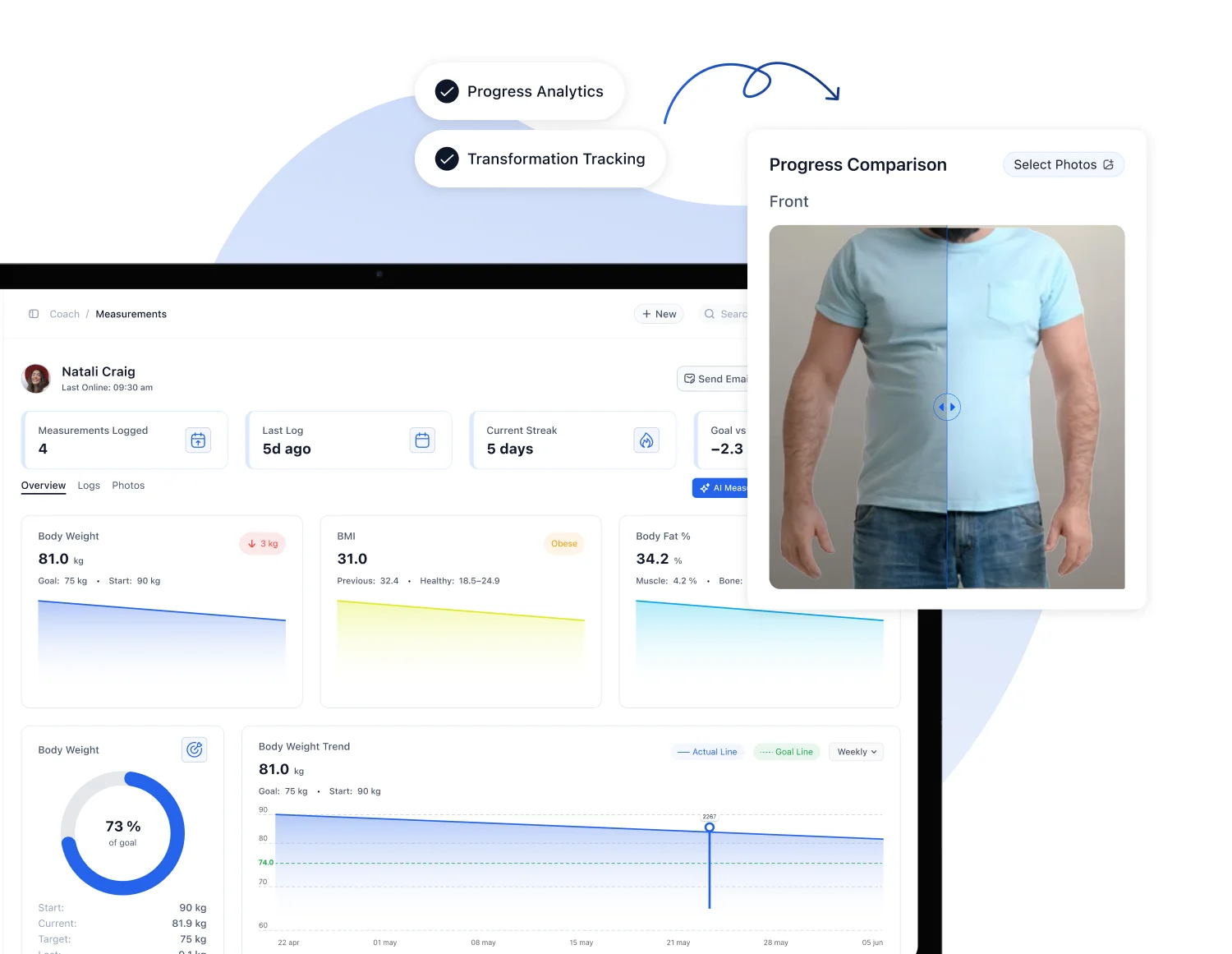
Bookings and training logs answer different questions. A booking can show that a session was scheduled or marked attended. It does not, by itself, describe which exercises the client completed. Use training plans and progress records for their respective purpose.
An illustrative review: one missing record, two different next steps
Suppose the plan contains three sessions, the client has recorded two and says they trained three times. The first action is to clarify the missing record. If they completed the third session without logging it, you may need to make recording easier. If the third session did not happen because the available time changed, the plan’s schedule needs review.
The same empty record leads to different decisions depending on the client’s explanation. Keep that explanation separate from the software observation. Do not turn incomplete data into a judgement about motivation.
Use a simple check-in note
Review period: [dates]. Recorded facts: [sessions or records reviewed]. Client’s explanation: [their own account]. Missing context: [questions to resolve]. Agreed next action: [one action, owner and review date].
This format gives another coach enough context to continue the conversation. Record what was agreed and who will do it. Avoid copying every available private detail into a note just because it was visible during the review.
Where AI can help prepare the check-in
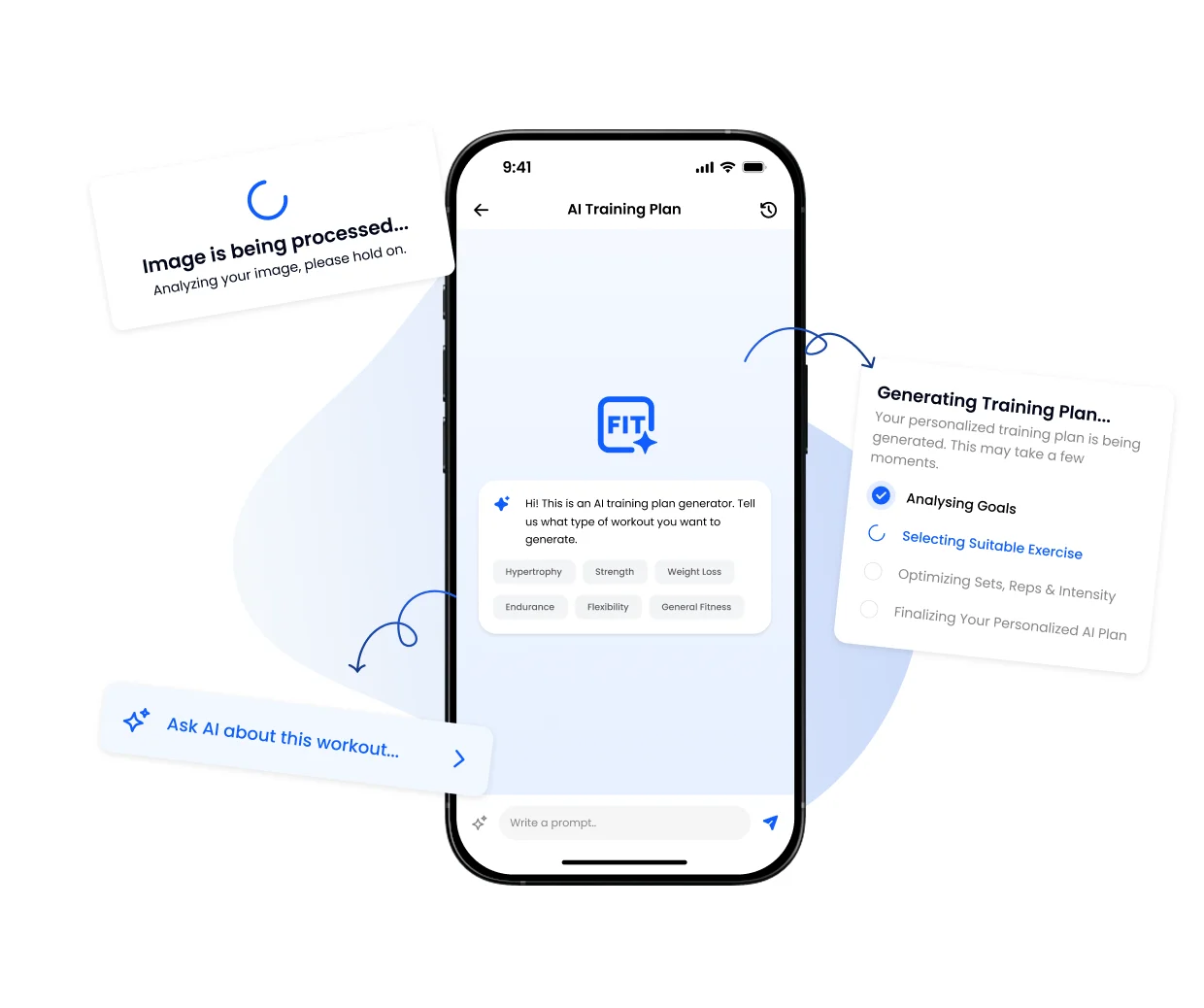
A compatible assistant connected through FITsociety MCP can gather permitted records and prepare an agenda. Start with a read-only connection and the minimum modules needed. Training, measurements and other health-sensitive information need the relevant health-data consent; private coach notes require their own communication consent.
Use FITsociety to confirm the client I identify. Review their assigned training plan and recorded sessions for [date range]. Return three sections: recorded facts with references, missing information, and questions for the next check-in. Do not infer why a record is missing. Do not change a plan, assign training or create a note.
Check the record references before using the summary. A proposed note can remain in the conversation for review. Saving it through MCP requires write access and the specific approved note-creation tool. Your instruction to review first is a working agreement with the assistant; the server’s grant controls which tools are permitted.
Finish the review with a decision the client can use
Keep the next step clear enough to check later. “Improve consistency” leaves the client guessing. “Choose the two session times you can keep next week and confirm them by Thursday” identifies an action and a review point. The right action still depends on your service and the client’s situation.
If there is no reply, use a separate contact procedure. Our guide Your client skips the check-in: what next? covers that situation. Repeatedly expanding the form does not resolve a contact problem.
Frequently asked questions
How many questions should a weekly check-in contain?
Start with the smallest set that supports a coaching decision. The five questions above are a reusable example, not a mandatory FITsociety form or a proven optimum.
Can a booking replace the client’s check-in?
No. A booking records scheduling or attendance information. The client’s explanation and the coach’s questions add context that a booking alone cannot provide.
Can I use this without an AI connection?
Yes. The questions, review steps and note template work as a manual coaching procedure. AI preparation is optional and requires the relevant enabled features and permissions.
Should an assistant automatically adjust the plan after every check-in?
Begin with a reviewed proposal. Read-only access cannot change plans, and supported writes require explicit tool approval. Whether a change is appropriate remains a coaching decision.
Check the product details
The operational templates above are editorial examples. For exact supported actions and access conditions, see the training tool reference, client follow-up workflow and MCP security and privacy guide. Results requested through MCP are shared with your selected AI provider under its own terms.
Explore AI personal trainer software or book a demo using one check-in you want to improve.