
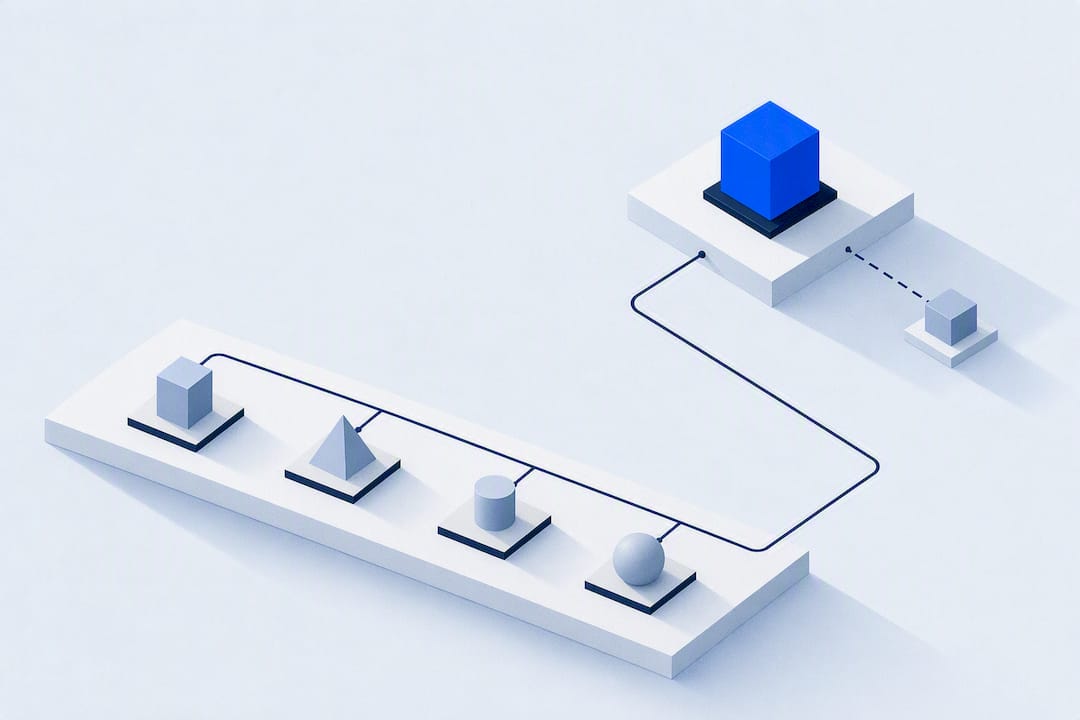
The fastest way to produce reliable client outcomes is a baseline snapshot, standardized logging of objective metrics, and weekly reviews that turn raw data into adjustments. Track body metrics, performance numbers, and adherence on a fixed schedule, then use a set decision rule at each review to change the plan. Integrated platforms reduce the administrative drag that kills this loop before it starts.
TL;DR:
- Regularly tracking objective body metrics alongside performance data provides clear early signals of progress or stalls, especially when standardized measurement conditions are maintained.
- Consistent data logging, including baseline snapshots and weekly check-ins with fixed fields, improves accuracy and makes planned adjustments easier to implement.
- Progress dashboards with trend lines, milestone flags, and off-track alerts enhance decision-making and keep clients motivated through visible, meaningful progress markers.
- Reviewing client progress at least weekly, using predefined decision rules for adjustments, prevents small issues from developing into major setbacks.
- An integrated platform that consolidates intake, measurement, logs, and billing streamlines administration, reduces errors, and boosts client engagement and retention.
- ✓Client intake and training plans
- ✓Personalized nutrition management
- ✓Automated payment processing
- ✓Smart analytics
What Metrics Should You Track for Client Progress?
Client progress tracking works only when the metrics match the goal. A fat-loss client and a strength client need overlapping but distinct data sets, and tracking the wrong numbers wastes both your time and theirs.
Objective body metrics form the backbone of any system: body weight, body fat percentage, and circumference measurements (waist, hips, arms, thighs). Protocol matters more than the tool. Measure at the same time of day, ideally fasted and before caffeine, in similar clothing, using the same scale. Standardizing these conditions cuts out noise that otherwise makes a trend line look like static.
Performance metrics tell you whether the training itself is working: personal records, sets/reps/load per session, total training volume, bar speed for power work, and conditioning markers like a mile time or a 500-meter row split. Rate of perceived exertion (RPE) adds context that raw numbers miss, since a client hitting a new squat PR at RPE 7 is in a very different place than one grinding it out at RPE 10.
Behavioral metrics predict outcomes before the scale or the barbell ever moves: session adherence, nutrition check-in completion, sleep hours, morning readiness, and self-reported mood. A client who skips two check-ins in a row is a bigger red flag than a stalled weigh-in.
Match the mix to the goal:
- Fat loss: weight trend, waist circumference, adherence to nutrition targets, weekly step count.
- Hypertrophy: circumference changes, training volume progression, session RPE trends.
- Strength and conditioning: load progression on key lifts, velocity where available, conditioning test results at fixed intervals.
Microsoft’s project-tracking guidance notes that visible progress data reignites motivation when clients feel stuck, which is exactly why picking metrics that actually move matters more than picking metrics that sound impressive.
How Do You Capture and Log Client Data Reliably?
Consistency beats sophistication. A basic spreadsheet logged the same way every week outperforms an elaborate system used sporadically.
- Set the baseline first. Before writing a single program, collect an intake form with starting weight, measurements, training history, injury flags, and goal statement. A formal baseline snapshot is what lets you tell the difference between a client who feels behind and one who actually is. Rebaseline after major life events, injuries, or a plan change lasting more than four weeks.
- Log workouts with fixed fields. Capture exercise, load, reps, RPE, and any notable pain or form breakdown. Skip fields that clients won’t fill in consistently.
- Run weekly check-ins with the same three or four questions every time: adherence percentage, sleep average, stress level, and any barriers that came up.
- Standardize progress photos. Same poses (front, side, back), same time of day, same lighting, minimal clothing, and a consistent background. File names should include client initials and date; get written consent before storing or sharing images.
- Keep data hygiene tight. Use one unit system per client, timestamp every entry, and version your training plans so you can see exactly what changed and when.
What Should a Client Progress Dashboard Include?
A dashboard is only useful if it turns numbers into a decision, not just a picture. Atlassian frames effective tracking as a loop of visualize, learn, adjust, and realign, not a static report.
A functional coach dashboard includes:
- Baseline markers shown alongside current values, so every chart has a reference point.
- Trend lines for weight, key lifts, and circumference measurements over rolling four to eight week windows.
- Milestone flags marking PRs, program phase changes, and goal check-ins.
- Off-track alerts that surface clients who’ve missed logging or adherence targets two weeks running.
- A “next action” note attached to each flag, so the dashboard tells you what to do, not just what happened.
Match the visualization to the message. Line charts communicate long-term trend better than raw tables. Photo timelines placed side-by-side do more to sustain motivation than a body fat percentage ever will. Milestone badges work well for gamifying smaller wins between big goals.
How you translate the chart into conversation matters as much as the chart itself. A flattening weight trend isn’t a failure message. It’s a prompt to celebrate strength gains, adjust calories, or introduce a diet break. Give clients control over what gets shared, too. Progress photos and detailed measurements should default to private, visible only with explicit opt-in, especially if you ever plan to feature results publicly.
How Often Should You Review Client Progress?
Cadence is the part most coaches get wrong. Reviewing too rarely lets small issues compound into big ones; reviewing too often creates noise that obscures the real signal.
A three-tier system works well:
- Daily micro-checks: workout completion and any pain flags, scanned in under a minute per client.
- Weekly progress reviews: the core cadence. Weekly check-ins catch drift early, while waiting longer reduces your ability to fix a problem before it becomes a pattern.
- Monthly milestone reviews: measurements, photos, and a conversation about whether the goal itself still fits.
Decision rules make reviews fast instead of exhausting. If weight hasn’t moved in three weeks despite logged adherence above 90%, adjust calories. If a lift stalls for two sessions in a row, deload 10% and rebuild. If adherence drops below 70% for two consecutive weeks, that’s a conversation before it’s a program change.
Pro Tip: Write the decision rule down before you need it. Deciding “if X happens, I do Y” in a calm moment beats improvising during an awkward check-in call.
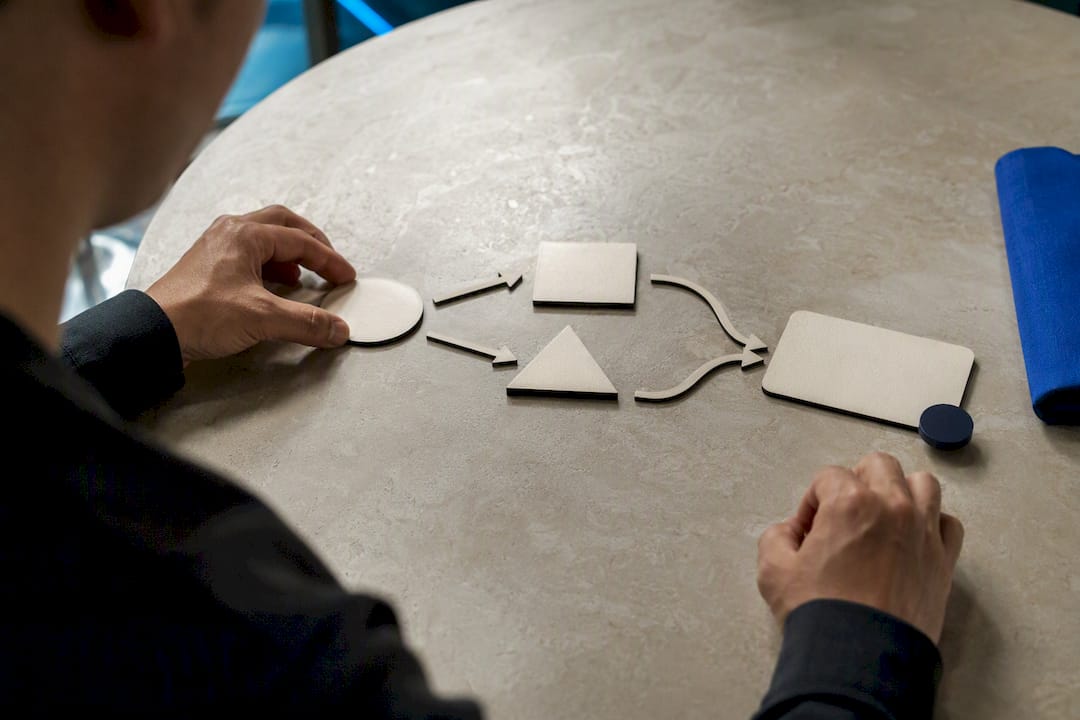
Document every adjustment with a one-line rationale so you (or a teammate) can trace why the plan changed six weeks later.
How Do You Scale Progress Tracking Across a Full Client Roster?
Tracking one client well is easy. Tracking forty clients well requires templates and automation, or the system collapses under its own admin weight.
- Build three standard templates: an intake form, a weekly review template, and a written measurement SOP so every trainer on your team measures the same way.
- Automate the repetitive parts. Set reminders for check-ins, schedule recurring reports, and flag anyone who misses two targets in a row. Automated flags catching missed targets prevent a surprising number of quiet dropouts.
- Define handoff rules for your team. Session notes, ownership of each client relationship, and who can see what should be written down, not assumed.
- Before switching or adopting new tracking software, run through a short migration checklist: export existing client data, confirm date and unit formats carry over correctly, notify clients of any app change, and keep the old system live in read-only mode for at least a month.
Pro Tip: Archive old baselines instead of deleting them. A client who plateaus and later restarts benefits from seeing exactly where they started the first time.
Our implementation checklist for switching software covers the migration steps in more detail if you’re mid-transition right now.
Does an Integrated Platform Actually Improve Client Outcomes?
Splitting intake forms, workout logs, nutrition check-ins, and payments across four different apps multiplies the chances that data goes stale, gets duplicated, or simply never gets entered. Consolidating those functions preserves data quality because there’s one place to log, one place to check, and one client history that never has to be manually reconciled.
The practical upside for coaches running a full roster:
- Fewer administrative hours spent copying numbers between spreadsheets and apps.
- Progress conversations backed by a single, consistent data trail instead of scattered notes.
- Clients who see their own trend lines tend to stay engaged longer, which shows up directly in retention.
- One system for intake, measurement tracking, nutrition, and billing means nothing falls through the cracks during a busy week.
FITsociety’s ongoing feature updates reflect this same logic: fewer disconnected tools, more time actually coaching.
The Metrics Coaches Obsess Over Aren’t the Ones That Predict Success
Most tracking advice fixates on precision: better scales, better calipers, more decimal points on the body fat reading. That’s backwards. The body fat percentage on a client’s chart matters far less than whether they showed up to log it. Adherence data, not measurement precision, is the strongest early predictor of whether a program will work.
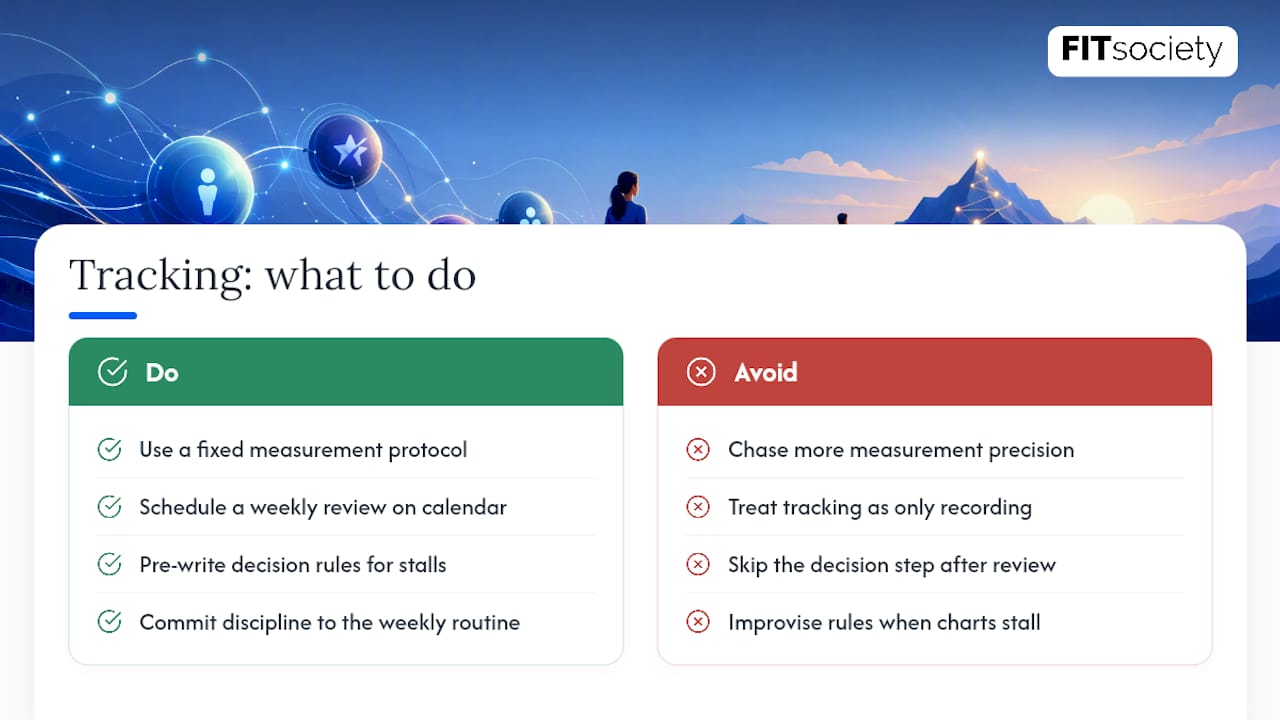
The conventional advice also treats tracking as a recording exercise. It isn’t. It’s a decision loop, and most coaches skip the “decision” part entirely. They collect the number, they show the chart, and then nothing changes about the program. A weekly review without a pre-written decision rule attached to it is just paperwork with a nicer chart.
What actually moves outcomes is boring: a fixed measurement protocol nobody deviates from, a weekly review that happens on the calendar whether or not there’s a dramatic development to report, and a short list of decision rules you commit to before you’re staring at a stalled chart and improvising. Coaches who build that discipline into their week, rather than into a single elaborate spreadsheet, get better client results with less software than they think they need.
— Matthijs
Put This Workflow Into Practice Without the Admin Load
Running the baseline, logging, and weekly review loop by hand across a full client roster eats hours you’d rather spend coaching. FITsociety consolidates intake forms, workout and measurement logging, nutrition check-ins, and progress dashboards into one system, so the weekly review this article recommends takes minutes instead of an evening of spreadsheet reconciliation.

Client intake feeds directly into your measurement SOP, workout logs sync with nutrition check-ins, and payments run alongside all of it, so nothing about a client’s history lives in a separate app you have to remember to check. If you’re coaching multiple clients and still stitching this together manually, explore the coaching platform or start with FITsociety directly to see the dashboard and review workflow in action.
Sources
- Project management goal: Track progress | Microsoft Support
- How to track project progress: methods, metrics & tools | Atlassian
FAQ
What Is the Best Program to Keep Track of Clients?
The best option is whichever platform consolidates intake, measurement logging, nutrition check-ins, and dashboards into one place rather than requiring you to reconcile several separate tools. Coaches running more than a handful of clients generally see the biggest time savings from an integrated system over a patchwork of spreadsheets and apps.
What Is a Client Tracking System?
A client tracking system is the combination of intake data, measurement protocols, workout and nutrition logs, and review cadence a coach uses to monitor a client’s progress toward a goal over time. It includes both the data captured and the process for reviewing and acting on it.
How Do You Keep Track of Progress?
Set a baseline before training begins, log objective and behavioral metrics on a fixed schedule, and run a weekly review using pre written decision rules to adjust the plan. Weekly reviews specifically help catch drift early before a small issue becomes a stalled program.
How Much Is a One-Hour Personal Training Session?
Pricing for a one-hour personal training session varies widely by region, coach experience, and whether sessions are in-person or online, and no single figure applies universally. Check local competitor pricing and your own operating costs directly rather than relying on a national average, since the range across markets is wide enough to make any single number misleading.



