Online coaching business automation means software handles repeatable admin: intake, reminders, bookings, billing, check-in prompts. The coach keeps technique feedback, program decisions and client relationships. Automate the first group. Protect the second.
This guide sorts coaching tasks into three groups: automate fully, automate with review, keep human. It covers booking coordination, payments, client data and AI-drafted content. It ends with a rollout checklist and FAQs.
TL;DR
- Automate fixed-rule work: intake forms, reminders, invoices, booking confirmations, calendar sync.
- Automate with review: AI-drafted plans, recipes and messages. The coach checks before the client sees them.
- Keep human: technique feedback, load progression, referrals, scope-of-practice decisions.
- Fix one workflow at a time. Measure time saved per week before adding the next.
- One connected system reduces handoffs between forms, calendar, chat and payments.
What online coaching automation covers
Automation is any task that runs from a trigger and a rule, without the coach doing it by hand. Examples:
- A new client signs up. An intake form is sent.
- A session is booked. A confirmation and a reminder go out.
- A billing cycle ends. An invoice is generated.
- A client misses a check-in. A follow-up prompt is sent.
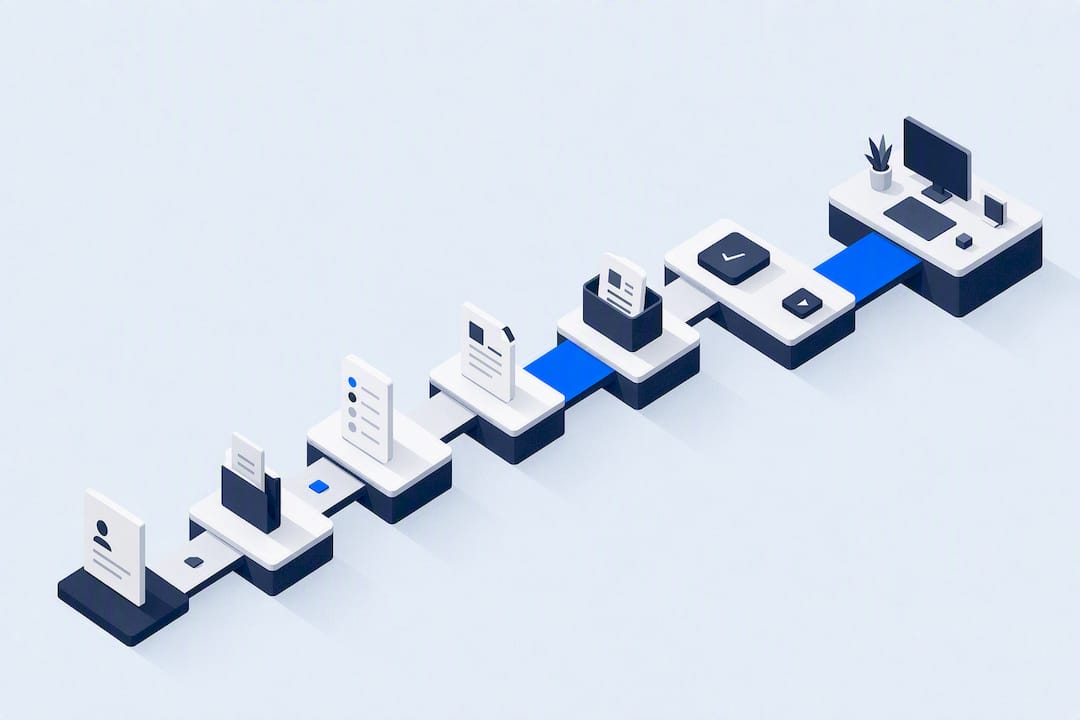
The pattern is the same each time: trigger, rule, action. If the rule can be written down in one sentence, the task is a candidate.
Search results for this topic often focus on lead generation: email funnels, landing pages, webinars. That work matters for sales. This guide concentrates on delivery operations for fitness coaches: what happens after someone says yes.
Three groups of tasks
| Group | Examples | Who acts |
|---|---|---|
| Automate fully | Intake forms, booking confirmations, reminders, invoices, failed-payment retries, calendar sync | Software |
| Automate with review | Draft training plans, recipes, check-in summaries, client messages | Software drafts, coach approves |
| Keep human | Technique correction, load progression, injury questions, referral decisions, motivation in hard weeks | Coach |
The middle group is where most mistakes happen. Drafts look finished. Reviewing them takes discipline.
Why human oversight stays in the loop
Automation supports adherence. Supervision adds technique feedback. A 2025 randomized trial in resistance training reported adherence of 88.2% for supervised training, 81.2% for app-guided training and 52.2% for PDF-based training. Supervised training also produced significantly greater squat gains than app-guided and self-guided training.
Two practical points follow:
- A structured, app-delivered plan beat a static PDF on adherence. Delivery format matters.
- Supervision still produced the best strength results. Technique review and progression decisions are the coach’s value.
The design goal: automation removes admin so the coach has more time for the work that clients notice.
Automate fully: the admin layer
Client intake and onboarding
Onboarding is the same sequence for every new client. That makes it the best first target.
A typical sequence:
- Client accepts an offer or buys a package.
- Intake form is sent: goals, training history, schedule, equipment, injuries.
- Health and readiness questions are answered before the first session.
- Coach reviews answers and flags anything that needs a conversation.
- First plan and first booking are set up.
Steps 1 to 3 run without the coach. Step 4 does not. A form that collects injury history only helps if someone reads it.
In FITsociety, intake forms, check-ups, client administration and the client portal sit in one system. The coach works in a dashboard. The client uses a portal and mobile apps. CoachAI can draft forms, which the coach edits before use.
Reminders and check-ins
Reminders cut no-shows and missed check-ins. Set them by rule:
- Session reminder: a set time before each booking.
- Weekly check-in prompt: same day each week.
- Measurement prompt: every few weeks, matched to the plan.
- Habit logging prompt: daily, if the plan uses habits.
Keep the number small. Too many prompts train clients to ignore them. Start with session reminders and one weekly check-in.
Progress tracking
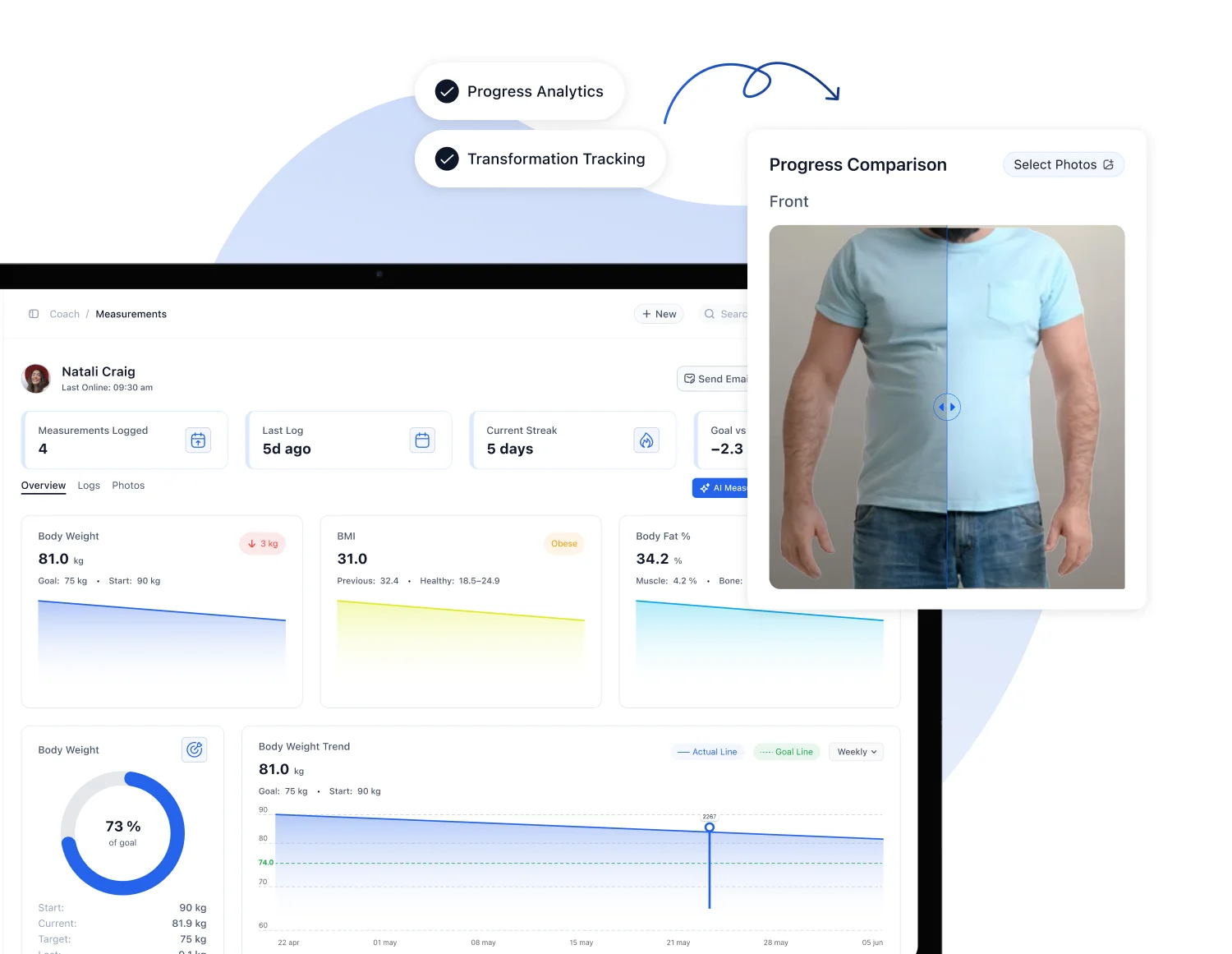
Data collection can run automatically: measurements, habit logs, training logs. Interpretation cannot. A dashboard that shows a stalled lift is a prompt for the coach to look at form, sleep, load or recovery.
A useful review rhythm:
- Weekly: scan flagged clients, reply to check-ins.
- Monthly: compare measurements and logs against goals.
- Each block end: reset goals and rewrite the plan.
Bookings: coordinating sessions without conflicts
Booking is where automation saves the most time and where errors cost the most. A double-booked session or a no-show with no reminder costs the coach income and trust.
Session types to model
Online coaching businesses often run more than one format:
- One-to-one appointments
- Online personal training over video
- Small-group sessions with a capped number of spots
- Group classes with a larger roster
Each format needs different rules: duration, capacity, buffer time, cancellation window, who can book it. Set the rules once per session type. Do not handle them by message.
Calendar sync
A booking calendar has to agree with the coach’s personal and work calendar. Otherwise availability is wrong.
FITsociety has a booking calendar for group classes, small-group sessions, one-to-one appointments and online PT, with Google Calendar and Microsoft Outlook/Microsoft 365 integrations available. The calendar feature page describes the calendar. Confirm current sync behavior and plan availability on the official page before building a process around it.
Whatever tool is used, test sync before going live:
- Create a test booking. Confirm it appears on the external calendar.
- Add a personal event on the external calendar. Confirm the slot is no longer bookable.
- Cancel the booking. Confirm the slot opens again.
- Repeat with a second time zone if clients are remote.
On privacy: calendar systems can share availability without sharing details. Google’s documentation on Calendar Interop states that availability lookups between Exchange and Google Calendar show busy blocks only, and private event details are not visible. The same principle is worth checking in any tool that touches a coach’s personal calendar.
Teams and multiple coaches
For studios and teams, the questions change:
- Which coach is available for this session type?
- Does the room or the online slot have capacity?
- Who covers when a coach is out?
- Who sees which client’s schedule?
A shared calendar with per-coach availability answers the first two. Permissions answer the last. Decide the permission model before adding staff. Retrofitting it is harder.
A workable team routine:
- Each coach owns availability for their own sessions.
- A manager owns group class templates and capacity.
- Cancellations follow one written rule for all coaches.
- Weekly, one person reviews empty and overfull slots.
Avoiding conflicts: a checklist
- One source of truth for availability.
- Buffer time between sessions, set per session type.
- Capacity limits on small-group sessions and classes.
- Cancellation window stated in the booking confirmation.
- Calendar sync tested in both directions.
- Time zones shown clearly to remote clients.
- A waitlist or a manual process for full classes.
Memberships, payments and billing
Billing is repetitive and sensitive. Late invoices and manual follow-ups waste time and strain client relationships.
Automate:
- Recurring membership charges
- Invoices on each billing cycle
- Payment reminders
- Retries for failed payments
- Package and session balances
Payment platforms document these capabilities. Stripe’s documentation on subscriptions describes invoices generated on billing cycles, configurable email reminders and notifications, retries for failed payments and subscription management.
A coach should still decide, by policy:
- What happens when a payment fails twice
- Whether paused clients keep their spot
- How refunds and cancellations work
- What the terms say about withdrawal rights in the client’s country
Put the policy in writing and link it at checkout. Consumer rules differ by country. A coach with clients outside the US should check local requirements with a qualified adviser.
FITsociety lists payment processing, subscription management and webshop tools for selling memberships and sessions. Confirm the payment providers available to your account on the official site.
Lead follow-up and inquiries
Most of the ranking material on coaching automation covers this layer. The useful core is simple:
- A capture form or page collects name, goal and contact.
- An automatic reply confirms receipt and sets expectations.
- A qualifying question or two route the prospect.
- A booking link offers a consultation slot.
- A follow-up message goes out if no booking happens.
Keep replies factual. State what happens next and when. Avoid fake urgency.
Watch one risk: an automated reply that promises something the coach cannot deliver, such as a result. Write each message as if it were a public claim, because it is.
AI-assisted drafting: use with review
AI can draft training plans, forms, recipes and news posts. It saves first-draft time. It does not carry professional responsibility. The coach does.
The American Council on Exercise (ACE) says in its July 2026 guidance that professionals should review AI-generated programs against the client’s goals, health history, experience, equipment, schedule and readiness. The review also covers movement observations, scope of practice and any need for referral or medical clearance. ACE’s earlier 2023 guidance adds that generated content should be checked for accuracy and scope, plans validated, and client data and privacy protected.

Treat AI as an assistant whose output is checked like any other professional work product.
Review checklist before sending AI-drafted content
- Does the plan match the client’s stated goal?
- Does it respect injuries, limits and health history from intake?
- Do the exercises fit the client’s equipment and schedule?
- Is the starting load or volume realistic for their experience?
- Is any nutrition content inside the coach’s scope of practice?
- Does anything need a referral or medical clearance first?
- Has the coach edited the text so it sounds like the coach?
CoachAI in FITsociety supports drafting of training plans, forms, recipes and news. The coach edits and approves the draft. FITsociety provides the software. Coaching decisions remain with the professional.
Client data and communication
Automation increases the amount of personal data moving through a business. Before turning on any workflow, check:
- What data is collected: health answers, measurements, photos, payment details
- Where it is stored and who has access
- Whether clients agreed to how it is used
- How a client can ask for correction or deletion
- Whether AI tools process client data, and under what terms
Principles hold across jurisdictions: collect only what is needed, tell clients how it is used, restrict access, keep records. Specific legal duties depend on location. Coaches with clients in the EU, UK or other regions with data-protection laws should confirm requirements with a qualified adviser.
For communication, set boundaries clients can see:
- Response hours
- Channel for urgent questions (and a note that emergencies go to emergency services)
- What chat is for and what needs a session
Connecting tools: API and MCP
Some businesses outgrow built-in workflows. FITsociety has a public API and MCP support for connected coaching workflows. Typical reasons to use them:
- Move data between the coaching system and a reporting tool
- Trigger internal processes from coaching events
- Connect an AI assistant to coaching data under controlled access
Endpoints, supported actions, permissions, compatible tools and plan access should be verified in the official FITsociety documentation before building anything. Treat any connection that exposes client data with the same review as above: minimum access, written purpose, tested before use.
A rollout plan
Do not automate everything in a weekend. A staged order works better:
- Week 1: onboarding. Intake form, welcome message, first-session booking.
- Week 2: bookings. Session types, capacity, cancellation rule, calendar sync tested.
- Week 3: billing. Recurring charges, invoices, failed-payment policy.
- Week 4: check-ins. Weekly prompt, measurement schedule, review routine.
- Later: AI drafts. Start with forms and recipes. Move to plan drafts with a written review step.
After each stage, measure:
- Hours of admin per week before and after
- No-show and late-cancel counts
- Failed or late payments
- Check-in response rate
- Client questions that the automation should have answered
Use real numbers from your own business. Adjust the rule that is not working before adding another.
Solo coach, team or club: what changes
| Business type | Main automation targets | Main risk |
|---|---|---|
| Independent trainer | Intake, reminders, recurring billing, one-to-one and small-group bookings | Over-automating and losing personal tone |
| Online coach | Check-ins, plan delivery, progress reviews, nutrition follow-up | Drafts sent without review |
| Studio or coaching team | Class schedules, staff availability, memberships, permissions | Calendar conflicts and unclear ownership |
| Gym or club operator | Member administration, multiple locations, staff coordination | Inconsistent rules across locations |
Where FITsociety fits
FITsociety is community-driven fitness software for personal trainers, online coaches, studios and gyms. It connects client administration, intake forms and check-ups, training and nutrition plans, progress tracking, bookings, communication, memberships and payments in one environment. The product is developed with feedback from fitness professionals. Feedback informs development. It does not guarantee any specific request will be built.
Published plans:
- Coach: €179 per month
- Team: €289 per month
- Club: €489 per month
Feature availability by plan should be confirmed on FITsociety before subscribing.
FAQ
What should a coach automate first?
Start with onboarding: intake form, welcome message and first booking. The sequence is identical for each client and easy to test. Add reminders and billing next, then check-ins.
Can automation replace a personal coach?
No. A 2025 trial found supervised training produced the highest adherence and greater squat gains than app-guided or self-guided training. Automation handles admin and delivery. The coach handles technique, progression and judgment.
How do I avoid double bookings across a team?
Keep one source of availability per coach, set capacity per session type and sync with each coach’s external calendar. Test sync in both directions before opening bookings. Review empty and full slots weekly.
Is AI-generated programming safe to send directly to clients?
No. ACE guidance says a professional reviews AI-generated programs against the client’s health history, goals, readiness and scope of practice. Refer or request medical clearance when the situation calls for it.
How much time does automation save?
It depends on the business. Measure admin hours per week before the change and after each stage. Use your own figures instead of generic estimates.
Sources
- Optimizing Resistance Training Outcomes, Journal of Strength and Conditioning Research (2025)
- ACE: The Human Advantage, AI in fitness (July 2026)
- ACE: AI in Health & Fitness (2023)
- Google: About Calendar Interop
- Stripe Documentation: Create subscriptions