
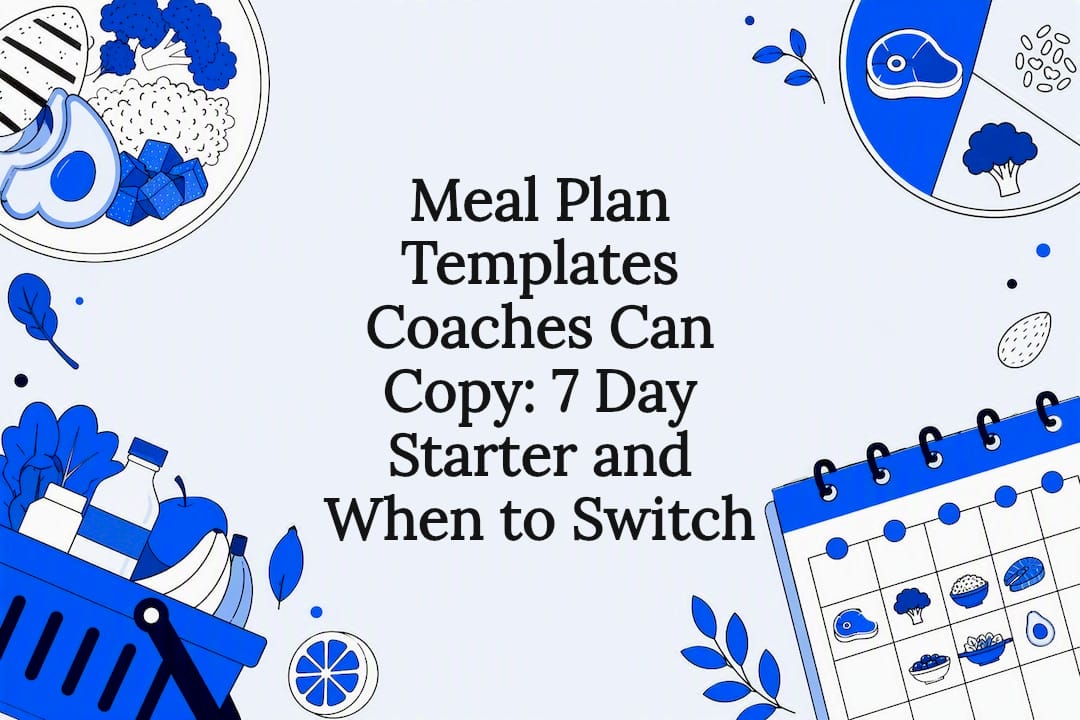
For 0 to 5 clients, use a branded 7-day PDF with per-meal macros, recipes, and a consolidated grocery list. If you’d rather edit by hand, a spreadsheet works fine at that same volume. Once you’re managing more than 5 clients or want automation, move to digital coaching software. Either way, the template needs client profile fields, per-meal macros, portioned recipes, a grocery list, and your branding. Templates cut plan prep from hours to minutes; software gets you under 5 minutes per plan.
TL;DR:
- Coaches should keep four core templates—weight loss, maintenance, muscle gain, and restriction-specific—to handle most client requests efficiently.
- Reusing master templates and adapting them is faster, typically taking 15 to 30 minutes, while manual building from scratch takes 2 to 3 hours.
- Transition to coaching software around managing more than 5 to 10 plans to automate macro calculations, grocery list creation, and branding, saving significant time.
- All templates must include a client profile, macro breakdowns, recipes with exact measures, a categorized grocery list, and branding to be considered complete.
- Verifying recipes against USDA FoodData Central and including allergen disclosures are essential for compliance and accuracy in professional plans.
Which Meal Plan Templates Should Coaches Keep on Hand?
Four base templates cover most of what clients ask for. Build these once, store them as masters, and adapt the details per client instead of starting from a blank page every time.
- Weight loss: calorie range suitable for moderate deficit, moderate protein
- Maintenance: standard calorie intake for maintenance
- Muscle gain: higher calorie intake with elevated protein
- Restriction-specific: vegetarian, vegan, or gluten-free versions of the above three
Between goal-based intake and dietary restrictions, these four categories account for the large majority of client requests a typical coach handles in a year. Keeping a master copy of each means you’re customizing an existing document, not building from scratch.
Every one of these templates, regardless of calorie target, needs the same five components: a client profile section (goals, restrictions, activity level), per-meal macro breakdowns, recipes with exact portions, a consolidated grocery list, and your branding with contact information. Skip any one of these and the plan reads as unfinished.
Macro splits shift by goal. A muscle-gain template typically features a higher protein proportion, with carbs and fat adjusted according to training; a weight-loss template has relatively elevated protein and fiber with calorie reduction, while maintenance templates balance macros evenly to support stability.
To map a client to a calorie band, start with their reported activity level and current intake, then adjust the base template gradually to align with their goals. This is faster than calculating from scratch every time, and it keeps your numbers consistent across similar clients. Standardizing on a recognized framework, like the MyPlate model, also helps you keep guidance consistent across your roster while still leaving room for individual swaps.
PDF, Spreadsheet, or Software: Which Delivery Format Fits?
The three common formats for delivering nutrition plans are static branded PDFs, spreadsheets, and digital coaching software. Each fits a different stage of your business.
Branded PDFs look professional and are easy to send by email or through a client portal. They reinforce your brand every time a client opens one. The tradeoff: they’re static. Any edit means reopening the source file, adjusting it, and re-exporting. PDFs work best for initial consults, low client volume, or packaged programs you don’t expect to tweak often.
Spreadsheets give you more control. You can build formulas that auto-update totals as you swap ingredients, which beats manually recalculating in a PDF. The downside is that formula errors are common, especially once a sheet gets passed between coaches or copied repeatedly, and grocery lists still have to be built by hand. Spreadsheets suit coaches who want hands-on control and have a small caseload.
Digital coaching software automates macro calculation, filters recipes by allergy or restriction, generates grocery lists from the plan automatically, and delivers everything through a client portal with white-label branding. The tradeoff is a subscription cost. Software makes sense once you’re managing multiple clients or repeating the same workflow often enough that automation pays for itself in time.
Before you pick, run through a short checklist: how many clients are you managing, how much personalization does each plan need, how complex are the allergy or restriction cases, how much does branding consistency matter, and do you deliver by email or through a portal?
Pro Tip: Keep one spreadsheet as your “master calculator” even if you deliver the final plan as a PDF. You get the editing speed of formulas and the polish of a branded document.
How Do You Build a Meal Plan Template for a Client?
Building a plan from scratch takes longer the first time. After that, you’re adapting, not rebuilding.
- Capture the client profile. Record goals, dietary restrictions, current average intake, activity level, and any medical conditions relevant to nutrition. This section sits at the top of every template you deliver.
- Set calorie and macro targets. The Mifflin-St Jeor equation, applied with an activity multiplier, is a common starting formula for estimating calorie needs. Document the target calories and macro split directly on the template so the client can see the logic.
- Populate meals and portions. Use exact measures (ounces, cups, grams) rather than vague portion cues, and list per-meal macros next to each meal slot.
- Extract and organize the grocery list. Group ingredients by category (produce, proteins, dairy, pantry) and add short prep notes for anything that needs advance cooking.
- Brand it, export it, and deliver it. Apply your logo and contact details, export to PDF or push it through your platform’s portal, and schedule a short review appointment to check adherence. Add a one-line note that the plan doesn’t replace medical advice for clients managing a diagnosed condition.
Building a template manually the first time takes 2 to 3 hours. Adapting an existing master template for a new client runs 15 to 30 minutes once you’ve got your four base templates ready. Software-assisted plans, once your recipe database and client profile are set up, can take under 5 minutes.
Pro Tip: Verify any recipe you didn’t personally calculate against USDA FoodData Central before it goes to a client. A single miscalculated ingredient can throw off an entire day’s macros.
When Should You Switch From Templates to Software?
Most coaches hit a wall somewhere around 5 to 10 manually managed plans. Past that point, macro math gets repetitive enough to cause errors, recipe edits pile up across similar clients, grocery lists take longer to maintain than the plans themselves, and branding starts to drift because you’re rushing exports.
The automation features that give you the most time back are the ones that remove repetitive manual work:
- Automatic macro calculation as you swap ingredients or portions
- Recipe filtering by allergy or dietary restriction
- Grocery lists generated directly from the plan, grouped by category
- White-label exports that keep your branding consistent across every client
- Client portal delivery instead of email attachments
- Calendar scheduling tied to check-ins and plan reviews
FITsociety is built around this kind of integrated workflow. The platform connects nutrition plan creation with client management, booking, and communication in one dashboard, and it’s developed with ongoing input from coaches using it day to day. Calendar scheduling syncs with Google Calendar and Microsoft Outlook/Microsoft 365, and a public API with MCP support is available for coaches who want to connect nutrition workflows to other tools. Details on exact plan availability and setup are worth checking directly on the nutrition software page before you commit.
A Starter 7-Day Template You Can Copy
A workable 7-day grid needs four meal slots (breakfast, lunch, dinner, and 1 to 2 snacks), a daily totals row for calories, protein, carbs, and fat, and a header with client profile fields already filled in.
When you extract the grocery list, group ingredients by store section (produce, proteins, dairy, pantry) rather than by meal, and add portion multipliers if the client is batch cooking for the week. This keeps the shopping trip fast and cuts down on repeat purchases.
Before sending any plan, run this checklist:
- All five core elements present (profile, per-meal macros, recipes with portions, grocery list, branding)
- Branding and contact info visible on every page
- Portion cues use exact measures, not vague terms
- A one-line scope-of-practice note included for medical conditions
- A follow-up review appointment already scheduled
What Legal and Nutritional Compliance Details Matter?
Allergen disclosure is not optional in a professional meal plan. If a recipe contains a common allergen (dairy, nuts, shellfish, gluten), flag it directly next to the ingredient, not buried in a footnote. Clients with diagnosed allergies need to see it at a glance.
Dietary restrictions tied to religion, ethics, or medical necessity (halal, kosher, vegan, celiac-safe) should be built into the template itself, not left as a verbal note during the consult. If you’re adapting a base template for a restricted diet, swap the affected recipes entirely rather than just removing an ingredient, since substitutions can shift the macro totals enough to matter.
Scope of practice is the other piece coaches skip most often. Unless you hold a clinical nutrition credential that covers medical nutrition therapy, your template should include a short line stating that the plan is general guidance and not a substitute for care from a physician or registered dietitian, especially for clients managing diabetes, kidney disease, or another diagnosed condition. This protects the client and keeps your role clearly defined.
Keep a record of what restrictions each client reported and when. If a client’s needs change, that history matters for both continuity of care and your own liability.
What Mistakes Do Coaches Make With Meal Plan Templates?
The most common mistake is treating a template as static once it’s exported. Coaches ship a plan, mark the job done, and skip the adjustment when a client reports the portions don’t fit their appetite or schedule. A template is a starting draft, not a finished product until it’s been checked against real feedback.
The second mistake is skipping macro verification on borrowed or reused recipes. A recipe copied from an old client’s plan may have been calculated for a different portion size, and reusing it without rechecking against a source like USDA FoodData Central introduces errors that compound across a week.
Vague portioning is another frequent problem. “A handful of almonds” means something different to every client. Exact measures remove the guesswork and make adherence easier to track.

Coaches also tend to under-brand their templates, sending generic documents with no logo or contact information. A branded template with your name, contact details, and a short prep note functions as a trust asset. It reminds the client who to reach out to with questions, which cuts down on scattered follow-up messages later.
Last, many coaches build one template per client instead of maintaining reusable masters. That’s the fastest way to burn hours you don’t need to spend.
How Do You Customize a Plan to a Client’s Real Life?
Start with what the client actually eats, not an idealized version of their diet. If a client eats out three times a week, build the template around realistic substitutions at those restaurants instead of assuming home-cooked meals every day.
Work schedule matters more than most coaches account for. A client with rotating shifts needs meal timing flexibility built into the template, not a rigid 7 AM to 7 PM structure that assumes a standard workday. For clients who travel frequently, a meal planning guide built for travel can help you adapt portion strategies and substitutions for hotel stays and irregular access to a kitchen.
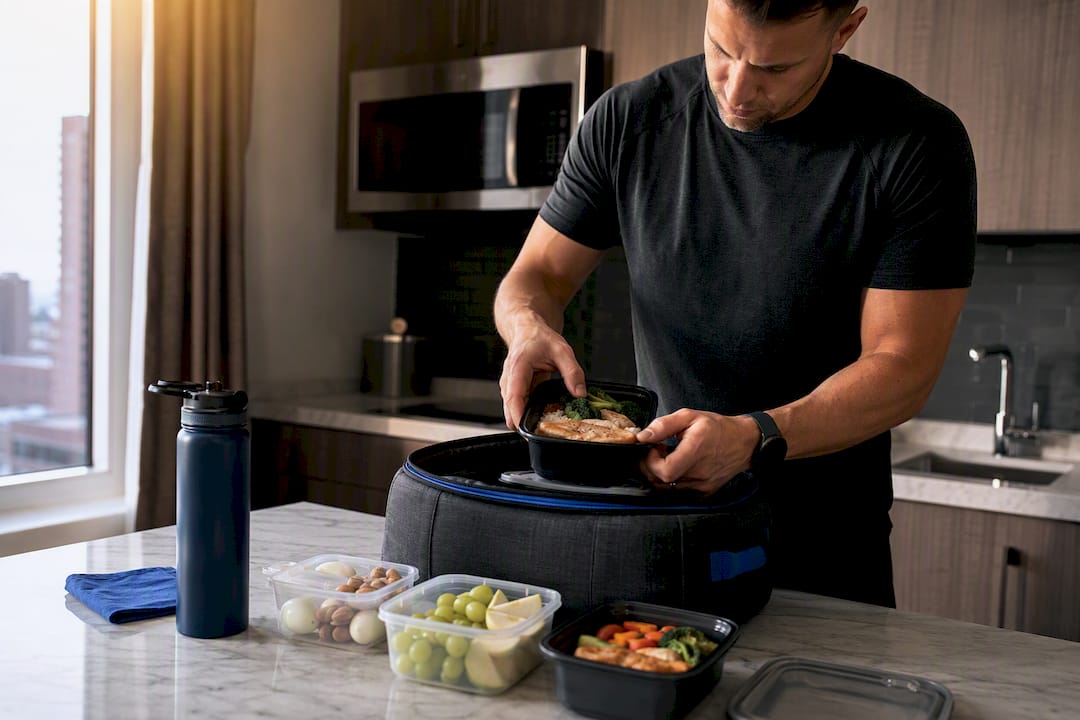
Cooking skill and available time change what recipes belong on the template. A client who has 15 minutes on a weeknight needs simpler recipes than one who enjoys cooking as a hobby. Match recipe complexity to what the client will actually do, not what looks impressive on paper.
Budget constraints should shape ingredient choices too. Swapping a specialty protein source for a more affordable one, while keeping the macro target intact, keeps the plan realistic without compromising the nutrition targets you set.
Where Do You Find Updated Nutrition Data and Recipes?
Recipe macros go stale fast if you’re not checking them against a reliable source. USDA FoodData Central remains the standard reference for verifying ingredient-level nutrition data, especially for custom recipes you build yourself rather than pull from a packaged product.
For structuring the plan itself, frameworks like MyPlate give you a consistent visual and portion-based model to fall back on when a client needs simpler guidance than a full macro breakdown. It’s a useful baseline for clients newer to structured nutrition coaching.
For ready-made starting points, downloadable 7-day templates with dietitian-validated recipes and grocery lists give you a working example to adapt rather than build from zero. They’re limited in how far they personalize for individual allergies or restrictions, which is where a platform-based workflow tends to close the gap.
How FITsociety Helps You Deliver Client-Ready Nutrition Plans
Free templates and spreadsheets get you started, and plenty of coaches run their whole practice that way at low volume. Once you’re managing a growing roster, though, the manual work of recalculating macros, rebuilding grocery lists, and keeping branding consistent starts eating into the time you’d rather spend coaching.
FITsociety connects nutrition plan creation with the rest of your coaching workflow, including client management, booking and scheduling for group classes, small-group sessions, one-to-one appointments, and online PT. The platform syncs with Google Calendar and Microsoft Outlook/Microsoft 365, so your sessions and check-ins stay lined up without double entry, and a public API with MCP support is available for coaches who want to connect their nutrition and coaching workflows to other tools. It’s built with ongoing input from the coaches who use it, which shapes how features evolve over time.
This fits best for coaches with recurring clients, growing teams, or studios that need centralized delivery instead of scattered PDFs and spreadsheets. If that’s where your caseload is headed, take a look at the coaching features overview or start a trial to see how a plan is built and delivered end to end.
Sources
- 13 Free Meal Plan Templates for Coaches (Promealplan)
- FoodData Central (USDA)
- MyPlate: A guide to healthier eating (Clemson University/LGPress)
FAQ
How Can I Create a Meal Plan for My Clients?
Start with a client profile (goals, restrictions, activity level), set calorie and macro targets using a formula like Mifflin-St Jeor, populate meals with exact portions, and extract a grocery list grouped by category. Brand the final document before delivering it.
What Is the 3-3-3 Rule for Meals?
There isn’t one standardized definition of the “3-3-3 rule” in nutrition coaching, and it’s not a framework covered by established sources like MyPlate or USDA guidance. If a client brings it up, ask what version they’ve seen before applying it to their plan.
Can ChatGPT Create a Meal Plan?
A general AI tool can draft meal ideas, but it can’t verify precise macros against a trusted database like USDA FoodData Central or account for a client’s specific medical history and restrictions. Treat any AI-generated draft as a starting point that still needs a coach’s review.
What Is the 5-4-3-2-1 Meal Planning Method?
This isn’t a standardized or widely documented nutrition framework, so definitions vary depending on where a client encountered it. Ask for the specific source before building it into a plan.
What Should Every Professional Meal Plan Template Include?
A client profile section, per-meal macro breakdowns, recipes with exact portions, a consolidated grocery list, and your branding with contact details. Missing any of these makes the plan look unfinished.
When Should I Switch From Templates to Coaching Software?
Most coaches feel the strain around 5 to 10 manually managed plans, when macro recalculation and grocery-list upkeep start eating into coaching time. At that point, a platform like FITsociety’s nutrition software can automate the repetitive parts.



