A fitness webshop sells sessions, memberships, class packs, programs or physical goods through your own site. Setup follows a fixed order: define offers, pick a model, connect payments, write policies, test a full order, launch. This guide covers that order for personal trainers, online coaches, studios and gyms. It includes a launch checklist template.
TL;DR
- Decide what is sold first: sessions, class packs, memberships, programs or products. Each type needs different checkout and delivery rules.
- Match the product to the payment model: one-time, pack, or recurring subscription.
- Write policies before launch: cancellation, refunds, shipping, privacy.
- Test a complete order with fictional data before any real customer pays.
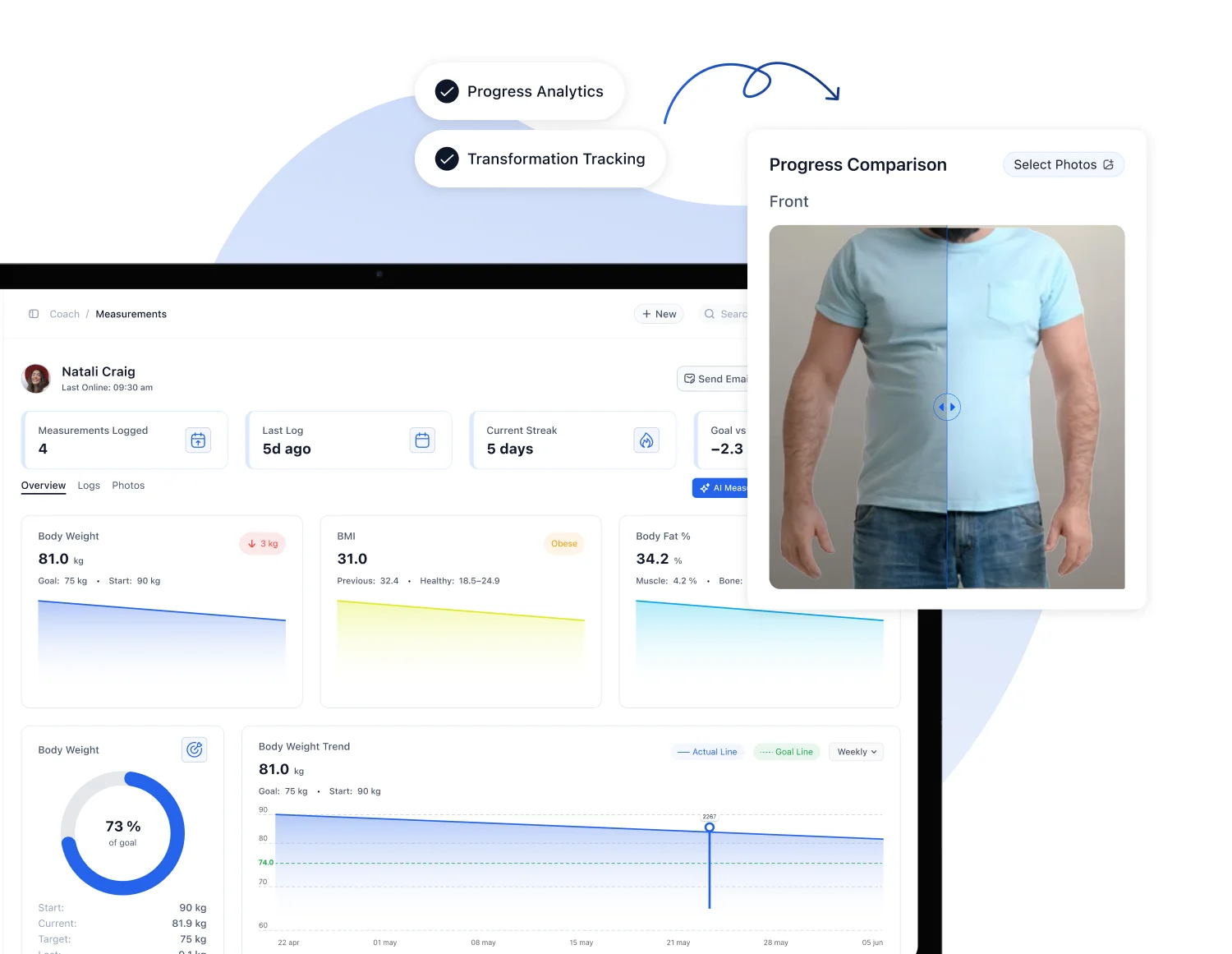
- Coaching businesses can run the shop inside coaching software. FITsociety includes webshop tools for selling memberships and sessions next to bookings, payments and client management.
Define the shop before building it
Early planning prevents rework. Four decisions come first.
1. Who buys
Name the buyer and the problem solved. Examples:
- Local client who wants a fixed weekly one-to-one slot.
- Remote client who wants a training and nutrition plan with monthly reviews.
- Studio member who wants unlimited group classes.
- Gym visitor who wants a drop-in or a 10-class pack.
One shop can serve several buyers. Each needs its own offer page and its own wording.
2. What is sold
Fitness businesses sell very different things online. The list below separates them by what happens after payment.
| Offer type | After payment | Typical payment model |
|---|---|---|
| Single session | Booking at a date and time | One-time |
| Session pack | Credits used over time | One-time |
| Class membership | Access to group schedule | Recurring |
| Online coaching | Plan, check-ins, reviews | Recurring |
| Fixed program | Plan delivered once | One-time |
| Physical goods (apparel, accessories, supplements) | Shipping | One-time |
Digital and service offers need no inventory or freight. Physical goods add stock, shipping zones and returns. Most coaches start with services only.
3. Business model
Choose one primary model per offer:
- Pay per session.
- Prepaid pack with an expiry rule.
- Monthly membership.
- Coaching subscription with a fixed scope.
- One-time program.
A clear scope matters most for services. Stripe’s setup guide says digital products and services require a clear definition of what is included. Write the scope as a list: number of sessions, check-in frequency, chat response window, plan updates.
4. Budget
List every recurring and one-time cost before choosing tools:
- Domain.
- Software subscription.
- Payment processing fees.
- Design or branding help.
- Photography and copy.
- Marketing.
- Staff time for admin and support.
- Freight and packaging, if physical goods are sold.
Software that bundles booking, payments and client management reduces the number of separate subscriptions.
Choose where the shop lives
Three setups are common for coaching businesses.
| Setup | Description | Main trade-off |
|---|---|---|
| General online store builder | Built for products. Booking and memberships added through extras. | Several tools to connect |
| Custom development | Built to spec. | Highest cost and maintenance |
| Coaching software with webshop tools | Shop, calendar, clients and payments in one system. | Fewer retail features |
A service business benefits from one system. A paid session must create a booking. A membership must create a client record. A payment must update the invoice. When shop, calendar and client file are separate tools, each handoff is a manual task or an integration to maintain.
What integrated setup looks like with FITsociety
FITsociety is community-driven fitness software for personal trainers, online coaches, studios and gyms. Relevant parts for a shop:
- Webshop tools for selling memberships and sessions.
- Payment processing and subscription management.
- Booking calendar for group classes, small-group sessions, one-to-one appointments and online PT.
- Client and member administration, intake forms and check-ups.
- Training and nutrition plans, progress tracking, chat.
- Client portal and mobile apps.
- Google Calendar and Microsoft Outlook/Microsoft 365 integrations.
- Public API and MCP for connected workflows.
Exact synchronization behavior, API actions and plan availability are listed on the official FITsociety pages. Confirm them there before building a process around them.
Build the offers
Each offer is a product listing. Use the same fields every time.
Offer listing template
| Field | What to write |
|---|---|
| Name | Plain description: “10 Personal Training Sessions” |
| Price | Final amount in USD or the currency charged, with billing period |
| Scope | What is included, in a short list |
| Duration | Session length, pack validity, membership term |
| Location | Studio, gym, client home, online |
| Booking rule | How and when sessions are scheduled |
| Cancellation | Notice period and what happens to the credit |
| Requirements | Intake form, health questionnaire, equipment at home |
| Next step | What the buyer sees after payment |
Keep names literal. A buyer who searches for “online personal training” should see those words on the page.
Pricing rules
- Show the full price. Add no fees at checkout.
- State the billing period for recurring offers.
- State the renewal rule in one sentence next to the buy button.
- Keep tiers few. Three is enough for most coaching businesses.
- Price packs below the single-session rate only if the expiry rule is stated.
Services need an intake step
A paid coaching client needs onboarding. Attach an intake form and check-up questionnaire to the purchase, so the first session starts with data. Coaches remain responsible for how they use that data and for coaching decisions. Software only collects and stores it.
Connect booking and calendars
A shop that sells sessions must connect to availability. Otherwise buyers pay for slots that do not exist.
Checklist:
- One calendar per coach, plus a shared team view.
- Separate session types: one-to-one, small group, group class, online PT.
- Capacity limits on group classes.
- Buffer time between appointments.
- Travel or room time between locations.
- Sync with the coach’s personal calendar to prevent double bookings.
Google Calendar and Microsoft Outlook/Microsoft 365 integrations are available in FITsociety. Check the calendar feature page path from the landing page and the help documentation for exact sync direction and plan access.
Team coordination
Teams need rules, not only tools:
- Who owns which client.
- Who covers a missed session.
- Who can edit the schedule.
- Who handles refunds.
Write these rules down before the shop opens. Staff permissions in the software should match them.
Set up payments
Payment setup has four parts.
Methods
Offer more than one method. Cards are standard in the US. Add wallets where the processor supports them. Stripe’s guide lists multiple payment methods as a setup decision alongside shipping zones, rates and delivery times.
Recurring billing
For memberships and coaching subscriptions:
- Collect payment details at signup.
- Show the next charge date.
- Send a receipt after each charge.
- Define what happens on failed payment: retry period, grace period, access suspension.
- Give clients a self-service way to update their card.
State laws on automatic renewals and cancellation vary across the US. Check the rules in each state where clients live, or ask a business attorney, before launch. Make cancellation as easy as signup.
Taxes
Sales tax treatment of services and digital products differs by state. An accountant or the state revenue department gives the answer for a specific business. Do not guess at checkout.
Payouts and records
- Confirm payout schedule.
- Match payouts to invoices monthly.
- Keep refund records.
Physical goods: shipping and rules
Skip this section if the shop sells services only.
For apparel, accessories or equipment:
- Set shipping zones, rates and delivery times before launch.
- Separate parcel items from bulky freight.
- List dimensions, weight and warranty on equipment pages.
- Publish a return policy.
The Federal Trade Commission’s Mail, Internet, or Telephone Order Merchandise Rule guide says a seller needs a reasonable basis for any stated shipping time. With no stated time, the seller needs a reasonable basis to believe shipment is possible within 30 days. If an order cannot ship on time, the seller must ask the customer to consent to the delay. Build that email into the order workflow.
Supplements carry extra rules on labeling, claims and permits. Check requirements with the relevant authority for each destination before listing them.
Write the pages the shop needs
Minimum page set:
| Page | Contents |
|---|---|
| Home | What is sold, who it is for, main call to action |
| Shop | All offers grouped by type |
| Offer pages | One per offer, using the listing template |
| About | Coach or team, qualifications as verified, location |
| Contact | Email, phone, address or service area |
| Schedule | Class timetable or booking link |
| Cart and checkout | Order summary, payment, terms checkbox |
| Policies | Cancellation, refund, privacy, terms |
| FAQ | Booking, payment, cancellation, what to bring |
Only list credentials and results that can be documented. No invented testimonials. No medical claims.
Policy checklist
- Cancellation notice for sessions and classes.
- Late arrival and no-show rule.
- Pack expiry.
- Membership pause and freeze.
- Refund conditions.
- Health disclosure and consent to exercise.
- Data handling for forms, measurements and photos.
- Age rules for minors.
A legal professional should review waivers and terms before publication. Fitness professionals deliver the coaching and remain responsible for their decisions.
Design for phones
Most clients book from a phone.
- One main action per page.
- Large tap targets.
- Short forms.
- Prices visible without scrolling.
- Offer images that show the real studio or coach.
- Checkout with few steps.
Test every offer page on a phone before launch. Branded mobile apps and a client portal extend the same idea after purchase: clients see bookings, plans and progress in one place.
Order workflow: assign an owner
Map each step to a person.
| Step | Owner | Check |
|---|---|---|
| Order received | System | Confirmation email sent |
| Payment confirmed | System | Receipt issued |
| Intake form sent | System | Form completed |
| First booking | Client or coach | Calendar entry exists |
| Plan delivered | Coach | Plan visible in portal |
| Check-in | Coach | Reminder scheduled |
| Renewal | System | Charge and receipt |
| Cancellation | Manager | Access ended on correct date |
Every row needs a name next to it. Unowned steps fail first.
Test before launch
Test with fictional data. Follow the whole journey:
- Find an offer from the home page.
- Add it to the cart.
- Pay with each enabled method.
- Trigger a declined payment.
- Check confirmation emails and receipts.
- Complete the intake form.
- Book a session and see it in the calendar.
- Confirm the entry appears in Google Calendar or Outlook if connected.
- Cancel within and outside the notice period.
- Refund an order.
- Repeat on a phone and a desktop.
For physical goods, add shipping rate checks, tracking links and a return.
Launch and track
Launch with a short list of offers. Add more after the first orders.
Announce through:
- Email to current clients.
- Social channels.
- Google Business Profile for local studios.
- In-session mentions.
- Local search pages for each service and location.
Track after launch:
- Offer page views.
- Carts started.
- Completed orders.
- Failed payments.
- Cancellation reasons.
- Support questions.
- Booking no-shows.
Review weekly for the first month. Fix the most common support question on the page itself.
Launch checklist template

Copy this list into a document and tick each line.
Plan
- [ ] Buyer and problem defined
- [ ] Offers listed with scope
- [ ] Pricing and billing periods set
- [ ] Budget written
Build
- [ ] Offer pages complete
- [ ] Calendar connected and session types created
- [ ] Intake forms attached to offers
- [ ] Payment methods enabled
- [ ] Recurring billing rules defined
Policies
- [ ] Cancellation and refund
- [ ] Privacy and data handling
- [ ] Terms and health consent reviewed by a professional
- [ ] Tax treatment confirmed with an accountant
Test
- [ ] Full order on phone and desktop
- [ ] Failed payment
- [ ] Cancellation and refund
- [ ] Confirmation emails
Launch
- [ ] Client announcement sent
- [ ] Tracking in place
- [ ] Owner named for each workflow step
Where FITsociety fits
FITsociety combines the shop, calendar, client administration, plans, progress tracking, communication, memberships and payments in one environment. Coaches work in a dashboard. Clients use a portal and mobile apps. CoachAI supports tasks such as drafting training plans, forms and recipes.
Published plans, as read from the FITsociety site:
| Plan | Price |
|---|---|
| Coach | €179 per month |
| Team | €289 per month |
| Club | €489 per month |
Plan contents and feature access are listed on the FITsociety site. Check which plan includes the webshop tools, API and MCP access before choosing. The product is developed with feedback from its community of fitness professionals. Feedback shapes improvements, and no request is guaranteed to be built.
FAQ
What is the simplest fitness webshop to start with?
Start with services only: a single session, a 10-session pack and a monthly membership. No inventory or shipping is involved. Connect the shop to your calendar so each purchase leads to a booking.
Do I need a separate website and webshop?
Not always. A coaching business needs a site that explains the offers and a checkout that sells them. Some software combines both with booking and client management. Choose by how many tools you want to maintain.
How do I sell recurring memberships?
Create a recurring offer with a clear billing period, renewal rule and cancellation process. Collect payment details at signup and send a receipt for each charge. Check state auto-renewal rules before launch.
What should I test before launch?
Run a full order with fictional data: cart, payment, declined card, confirmation email, intake form, booking, cancellation and refund. Repeat on a phone. Fix every broken step before real customers pay.
Can the shop connect to Google Calendar or Outlook?
FITsociety lists Google Calendar and Microsoft Outlook/Microsoft 365 integrations. Check the official calendar documentation for sync behavior and plan access before relying on it for team scheduling.
Sources
- Create an online shop: A quick guide, Stripe
- Business Guide to the FTC’s Mail, Internet, or Telephone Order Merchandise Rule, FTC