
Using Trainerize and wondering whether another system would fit better? Start with the process that takes up your time: onboarding clients, coaching, scheduling or administration.
Request a demo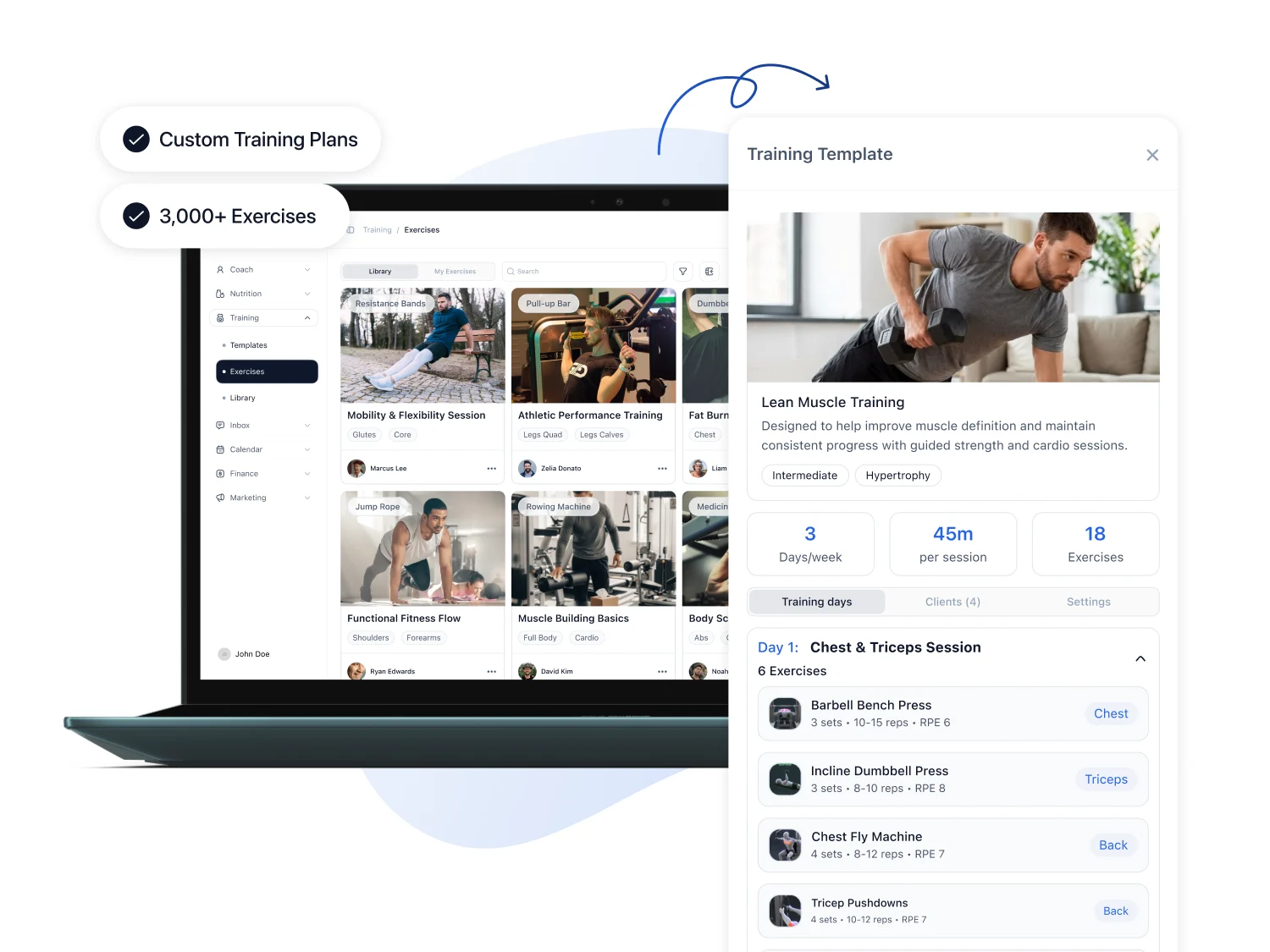
Trainerize offers more than training plans. It also documents business features, bookings and integrated payments. The question is how the configuration you need fits your daily work.
FITsociety publishes this page. It presents our interpretation of published provider information, not an independent product test. Information checked on 2 November 2026.
This does not establish complete feature equivalence. Ask for important details to be demonstrated, especially when you already use extensions or integrations.
Do you record training in an app, client details in a spreadsheet and payments somewhere else? Bring those handoffs to the demo so you can assess the potential benefit.
Write down who should see which clients and perform which tasks. Test a handoff between two coaches, including the information and permissions each needs.
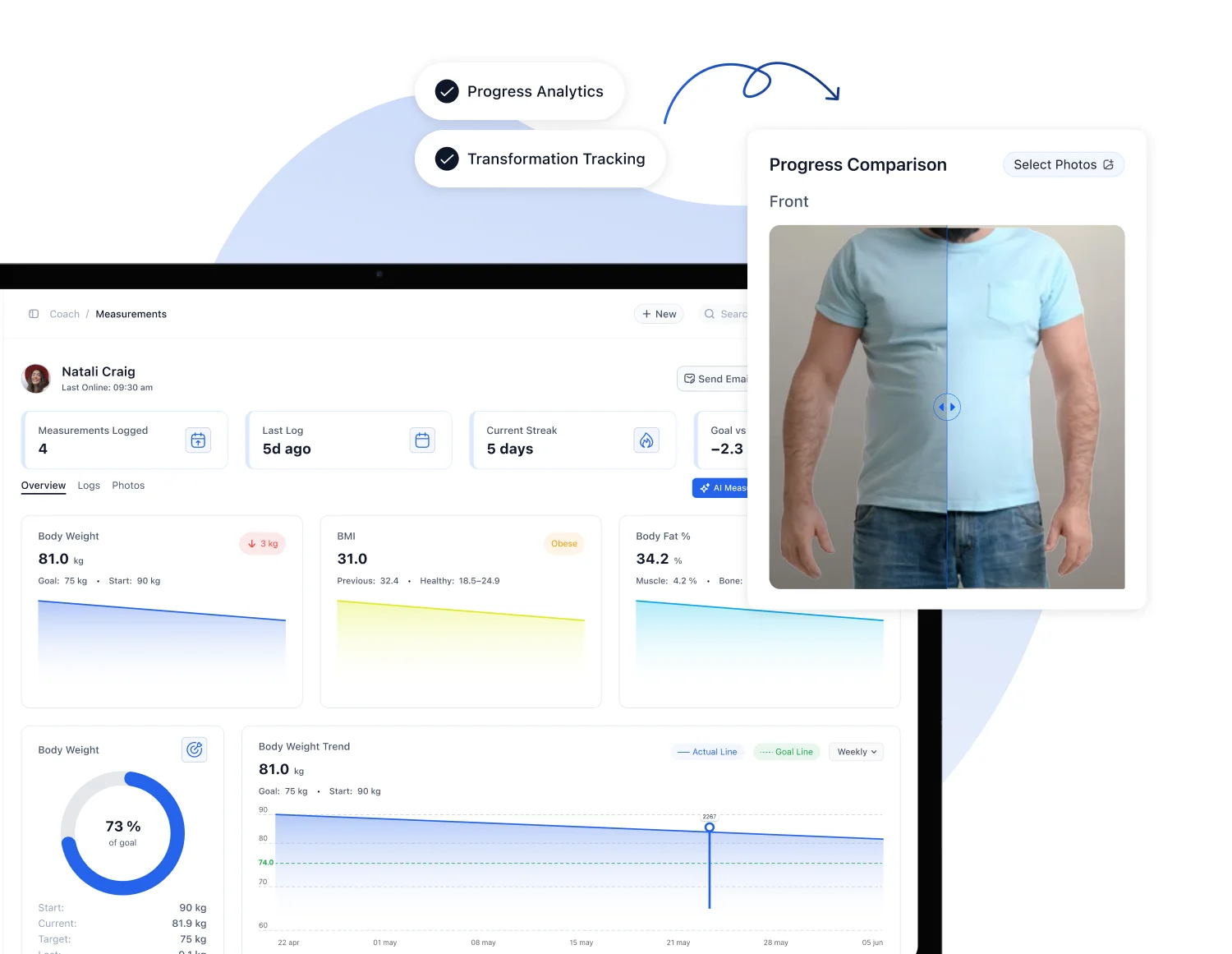
Test one client with coaching and recurring appointments. Check where they find training, scheduling and communication, and which actions you need to complete as a coach.
If your clients use the app comfortably and your business processes work well, a switch needs a specific advantage. First check whether a different configuration could solve the problem.
Make a separate list of integrations. An alternative must demonstrate the connections you depend on. A general all-in-one statement is not evidence that those requirements are covered.
Trainerize uses client seats and add-ons, with published prices in US dollars. Request a configuration for your numbers and required functions.
Check the FITsociety plans and confirm additional services, payment fees, contract length and tax treatment. Compare two complete proposals.
Only count tools as savings if you could actually cancel them after switching. Include setup and the time your team needs to learn the system.
The result should be clear: suitable, suitable with additional setup, or not yet suitable for your requirements.
That depends on available exports and the agreed scope. Have a sample checked before assuming profiles, plans or history can all be transferred.
That needs separate confirmation for the provider and payment route. Importing clients does not establish that existing authorisations remain usable.
First define whether you mean branding within a platform or a separate app-store presence. Then ask to see the scope and costs.
Bring your team’s tasks and roles to the demo. Together we can identify which workflows and permissions you need to test before deciding.
Tell us your client count, current setup and one process you want to improve. We can tailor the demo around that.
Request your demo · Personal training software
Sources: Trainerize plans, Trainerize Business, FITsociety plans, FITsociety for trainers. Confirm current provider terms before deciding.