FITsociety IO
Try for free

Move to FITsociety without data loss or migration stress

We help extract, check and migrate data from your old system into FITsociety. You provide exports or API access; we handle mapping, test import, validation and final migration. Think members, payments, invoices, credits, calendar data, check-ins and documents.

Try 7 days free
Illustration for Move to FITsociety without data loss or migration stress

From data check to go-live: switch without loose ends

First, clarity on what can be migrated

You should not have to guess whether your history can be preserved. We start with a practical data check and clarify what your current system makes available.
  • We review exports, database files and API options.
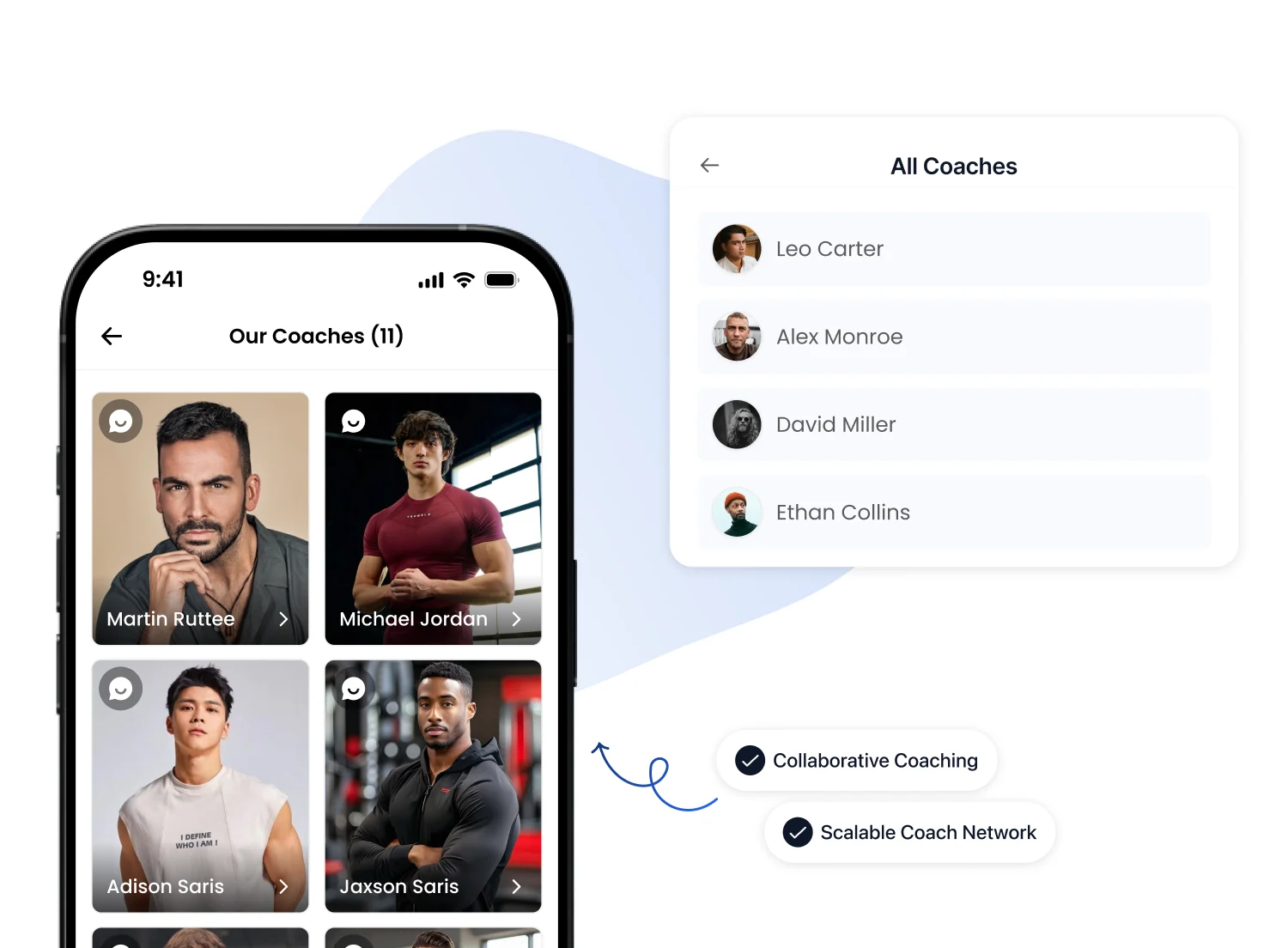
  • We check formats such as CSV, Excel, XML, JSON and database exports.
  • You know upfront what can migrate fully, what needs extra checks and where limitations exist.
Illustration for First, clarity on what can be migrated

More than just a member list

A proper switch goes beyond names and email addresses. In practice, we can often bring over much more than basic records.
  • Members, customer profiles, statuses and relevant notes.
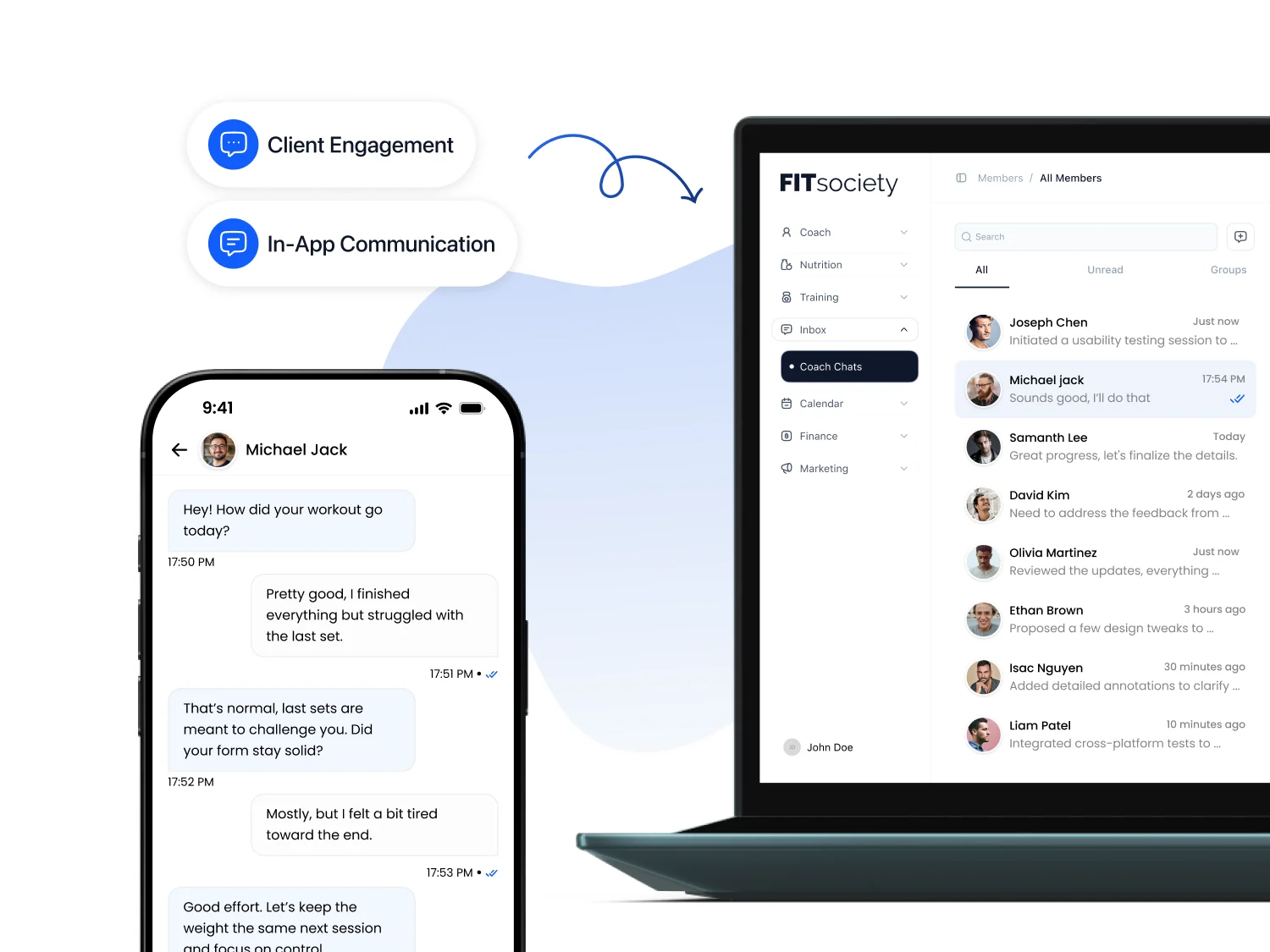
  • Memberships, credits, check-ins and historical activity.
  • Context your team can use immediately inside FITsociety.
Illustration for More than just a member list

Financial history without loose ends

Payments, invoices and credits need to be right. That is why we handle financial data separately and review exceptions carefully.
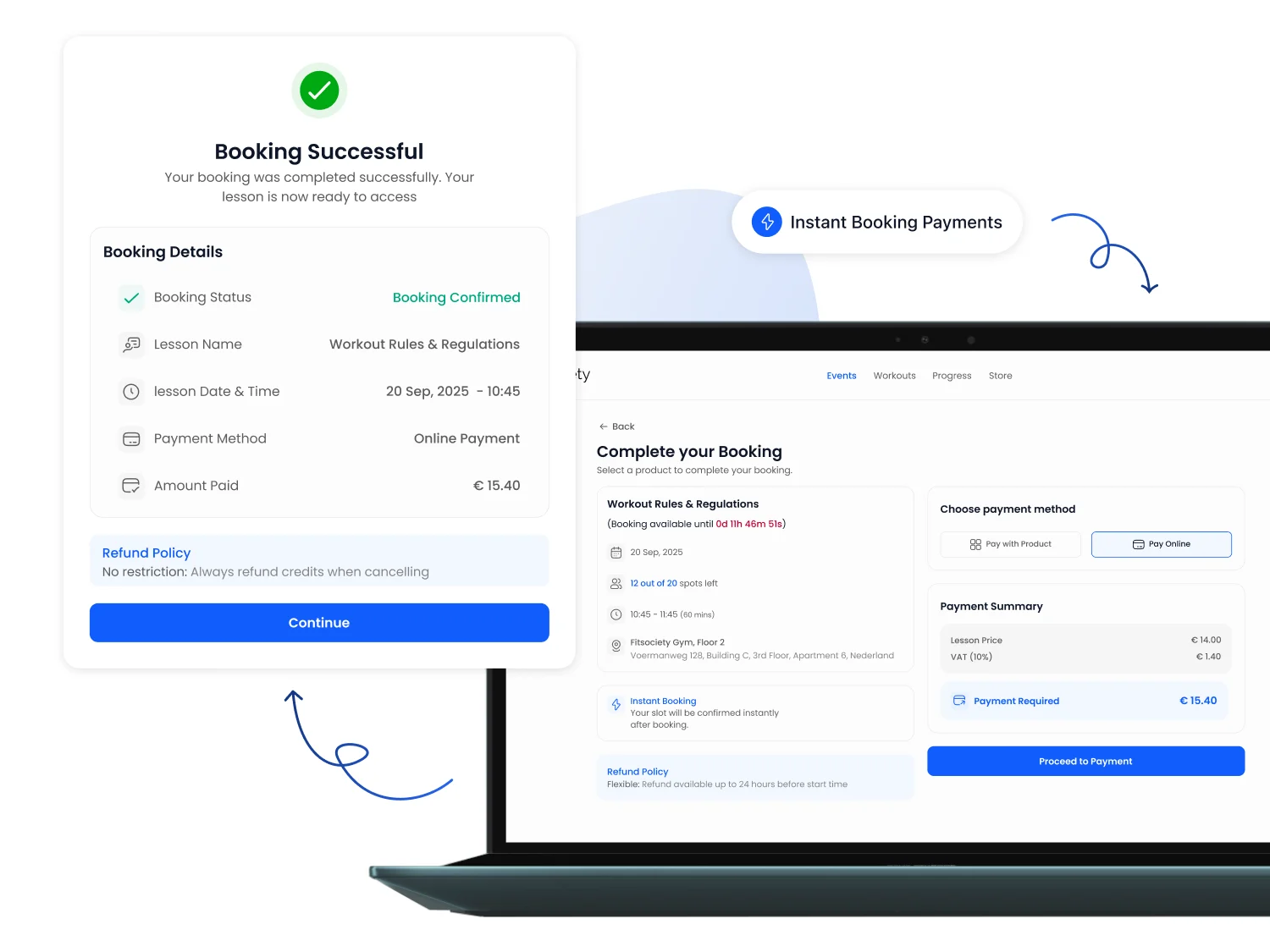
  • Payment history, invoices, balances and outstanding amounts.
  • Expired credits, old memberships and unusual customer statuses.
  • A clean foundation for your administration after go-live.
Illustration for Financial history without loose ends

Keep calendar data, bookings and check-ins

Planning and attendance are immediately visible to your members. We therefore also review classes, appointments, bookings and check-in history.
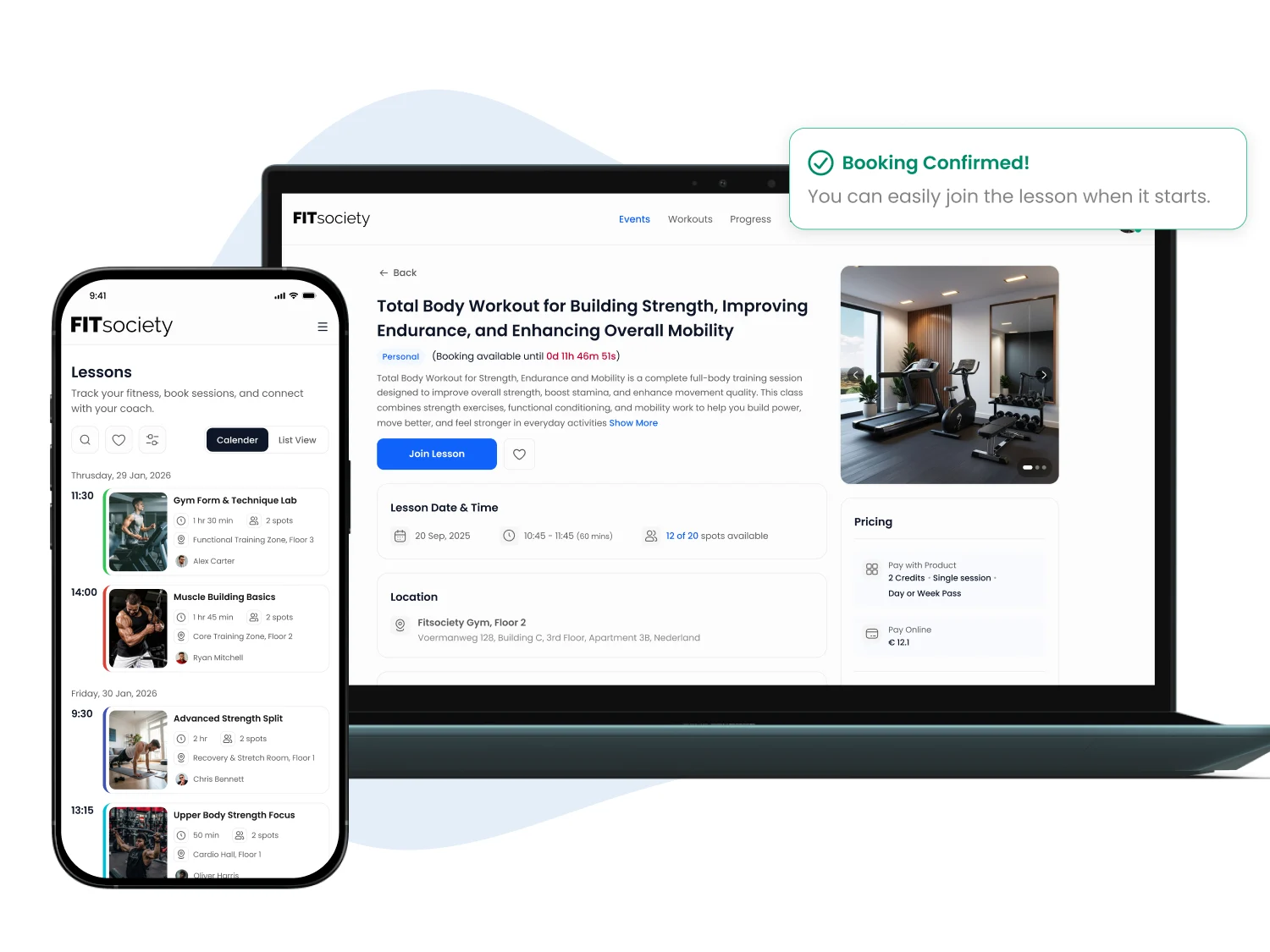
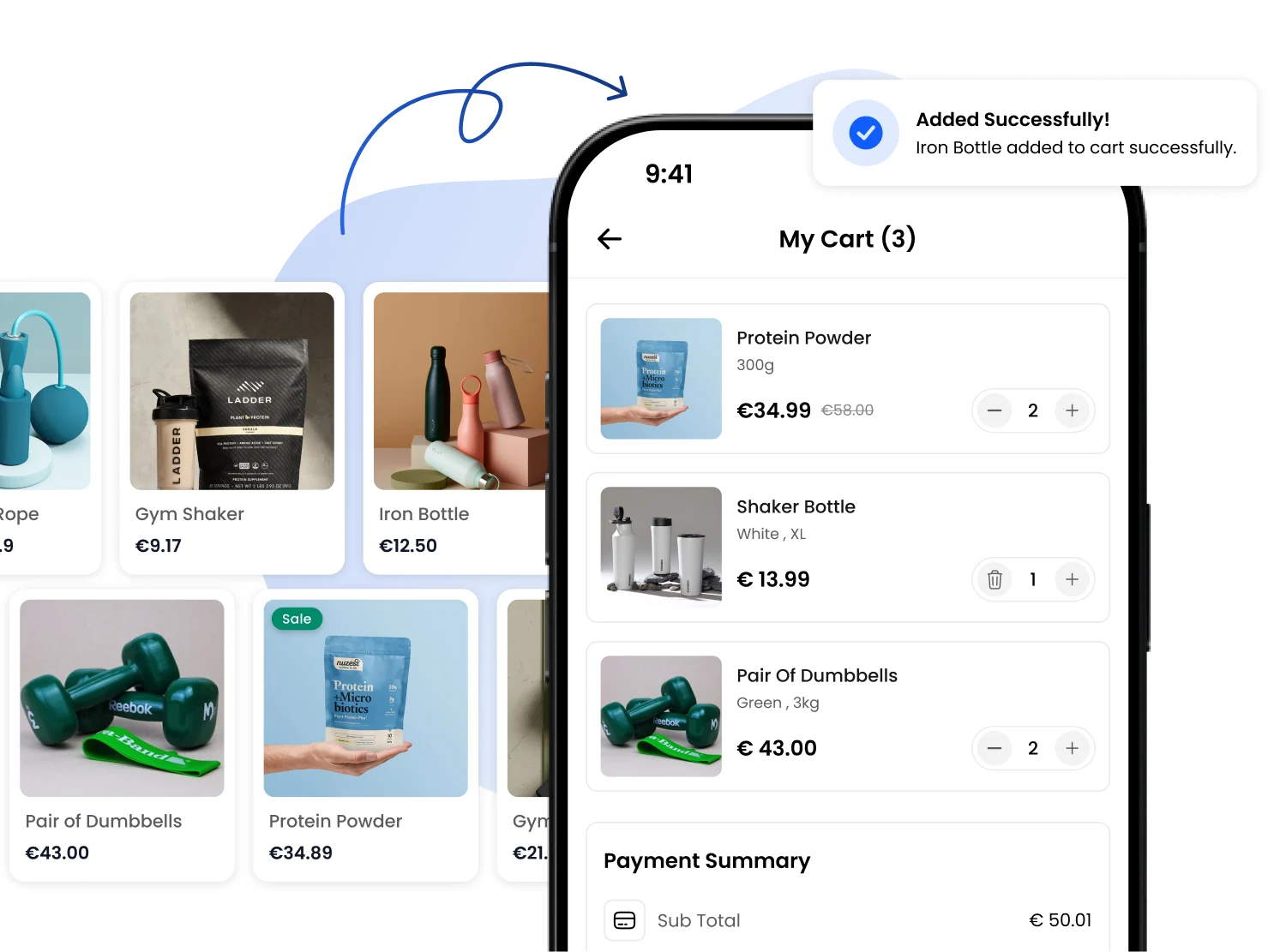
  • Calendar items, bookings and reservation data where available.
  • Check-ins and attendance if your old system exports them.
  • A go-live moment that fits your schedule and team.
Illustration for Keep calendar data, bookings and check-ins

Test first, then switch for real

We prefer a controlled migration over a rushed one. Where needed, we work with a test import before the final switch.
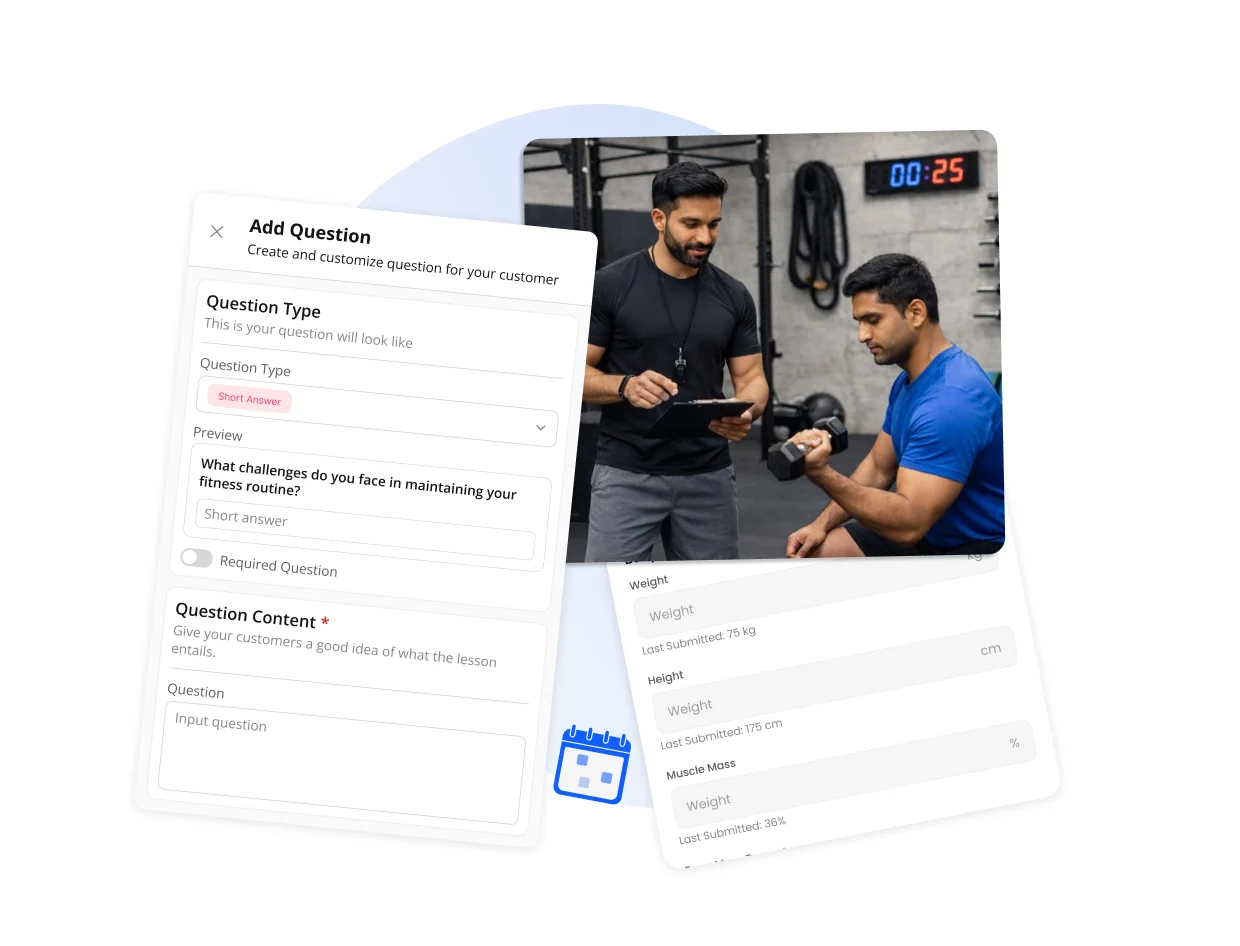
  • Validate fields, statuses and totals before you go live.
  • Use the migration to clean old data and spot duplicate records.
  • Launch with clear checkpoints and aftercare.
Illustration for Test first, then switch for real

Most asked questions

In many cases we can bring over more than just basic data. What is possible depends on the exports, APIs and data quality of your current system.
Usually we need an export file, API access or contact with your current provider. We then agree together which data should be checked.
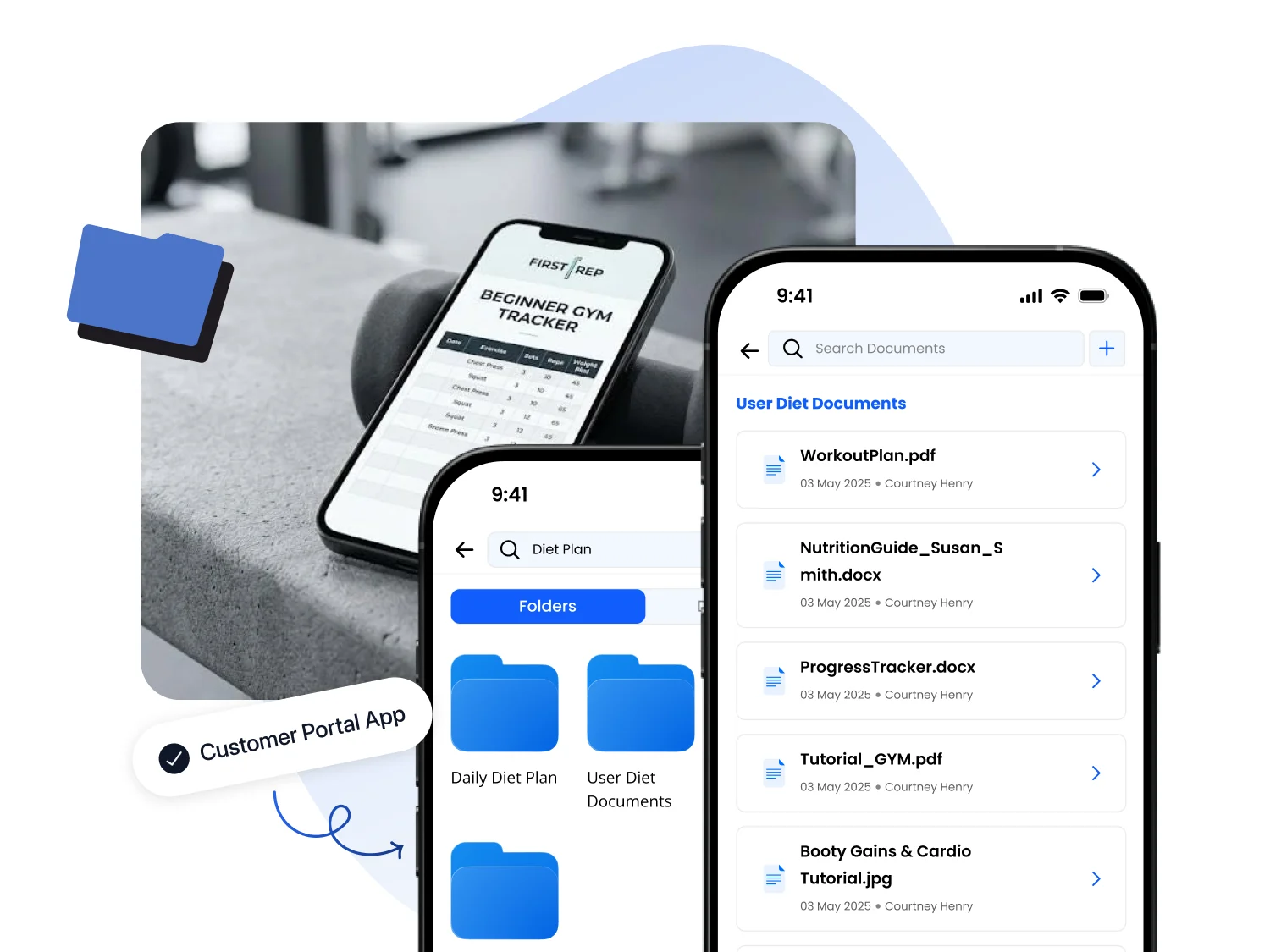
Think members, customer profiles, memberships, credits, payments, invoices, calendar items, bookings, check-ins, documents and other available history.
Yes. A migration is often a good moment to flag duplicate members, expired credits, old statuses and unclear records. We agree upfront what may be cleaned up.
Where needed, we work with a test import. This lets you check fields, totals and key workflows before the final migration happens.
We can often work with CSV, Excel, XML, JSON and database exports. If your current system has an API, we can usually migrate more completely and more precisely.
We handle migration data carefully and only use it for the agreed switch. Access, files and checks are aligned with you upfront.
Then we look at available export files. For many parts this is enough. More complex history depends on how complete those exports are.
That depends on the system and the amount of data. After a first data check, we can better estimate the work involved and the right go-live moment.

Curious what can move from your current system?

Schedule a short migration call. We will review your exports or API options and quickly clarify what your migration could look like.