FITsociety IO
Book a demo

Class booking software

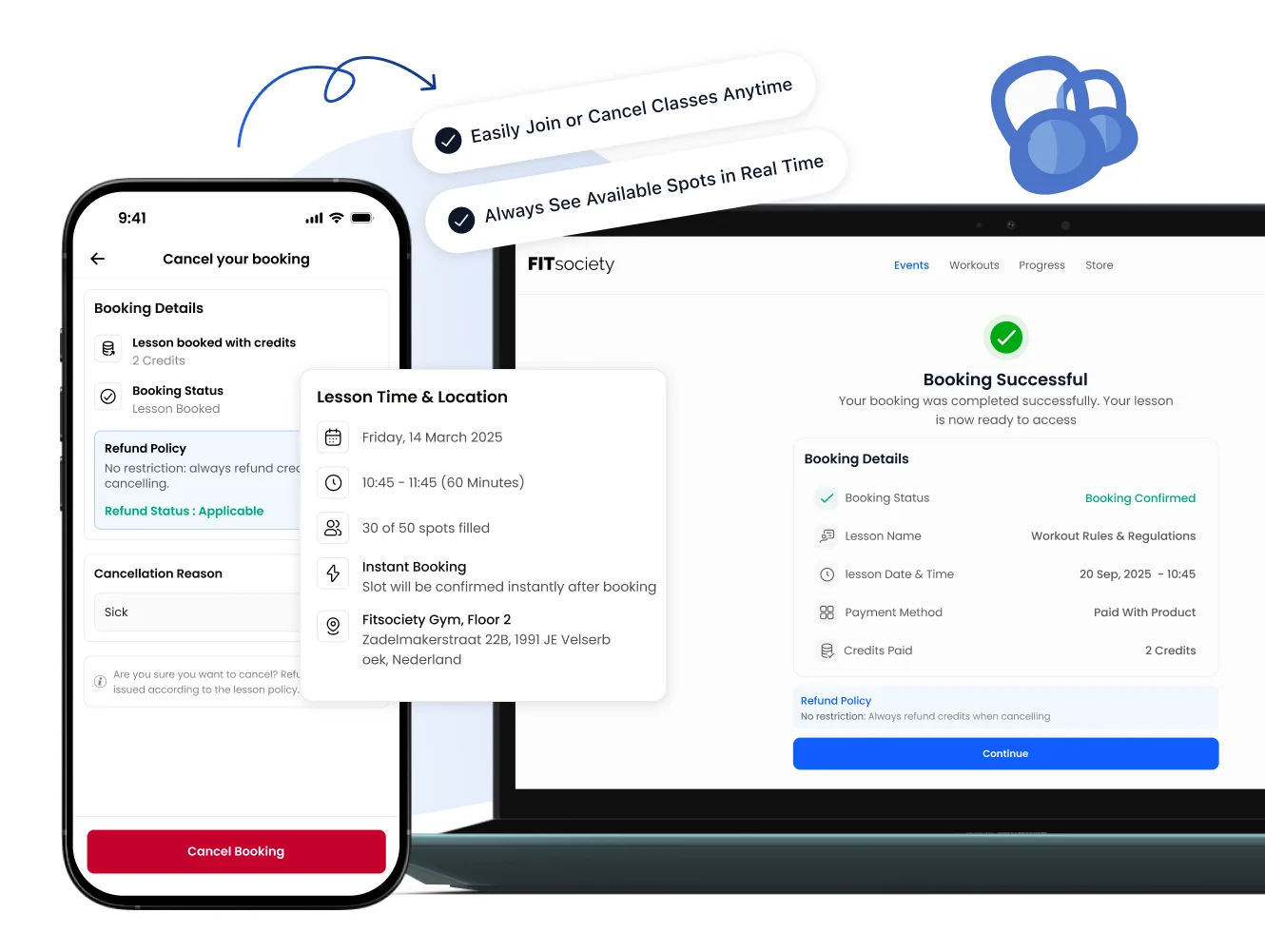
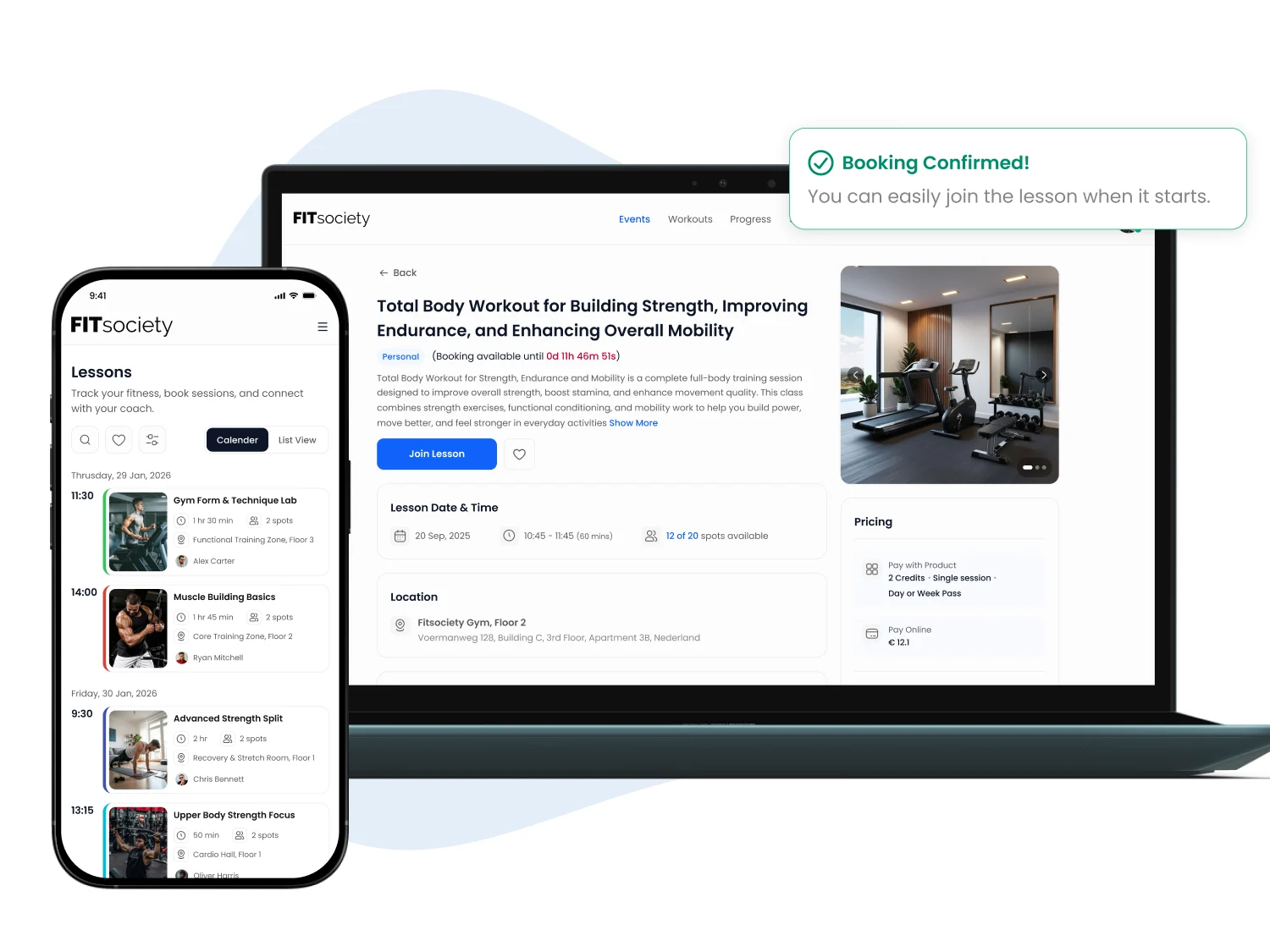
Give members one up-to-date place to view and book your timetable: through the FITsociety App or your own online portal. For individual sessions, they see only times that match the configured availability of the coach, location, or both.
  • Up-to-date timetable in the app and online portal
  • Book based on coach and location availability
  • Plan group classes and one-to-one sessions
Try 7 days free
Illustration for Class {booking software}

From timetable to clear booking

A timetable members can follow

Publish a clear timetable in the app. Members see which classes and sessions are planned, so times do not live in separate messages or screenshots.

  • One current schedule
  • Fewer questions about times
  • A clear starting point for booking
Illustration for A timetable members can follow

Plan group classes without separate lists

Create group classes and place them in your timetable. Give your team one place to organise the offer and members one place to see the planned class.

  • Group classes in one schedule
  • Useful for recurring timetables
  • More calm for coaches and front desk
Illustration for Plan group classes without separate lists

Book around coach and location availability

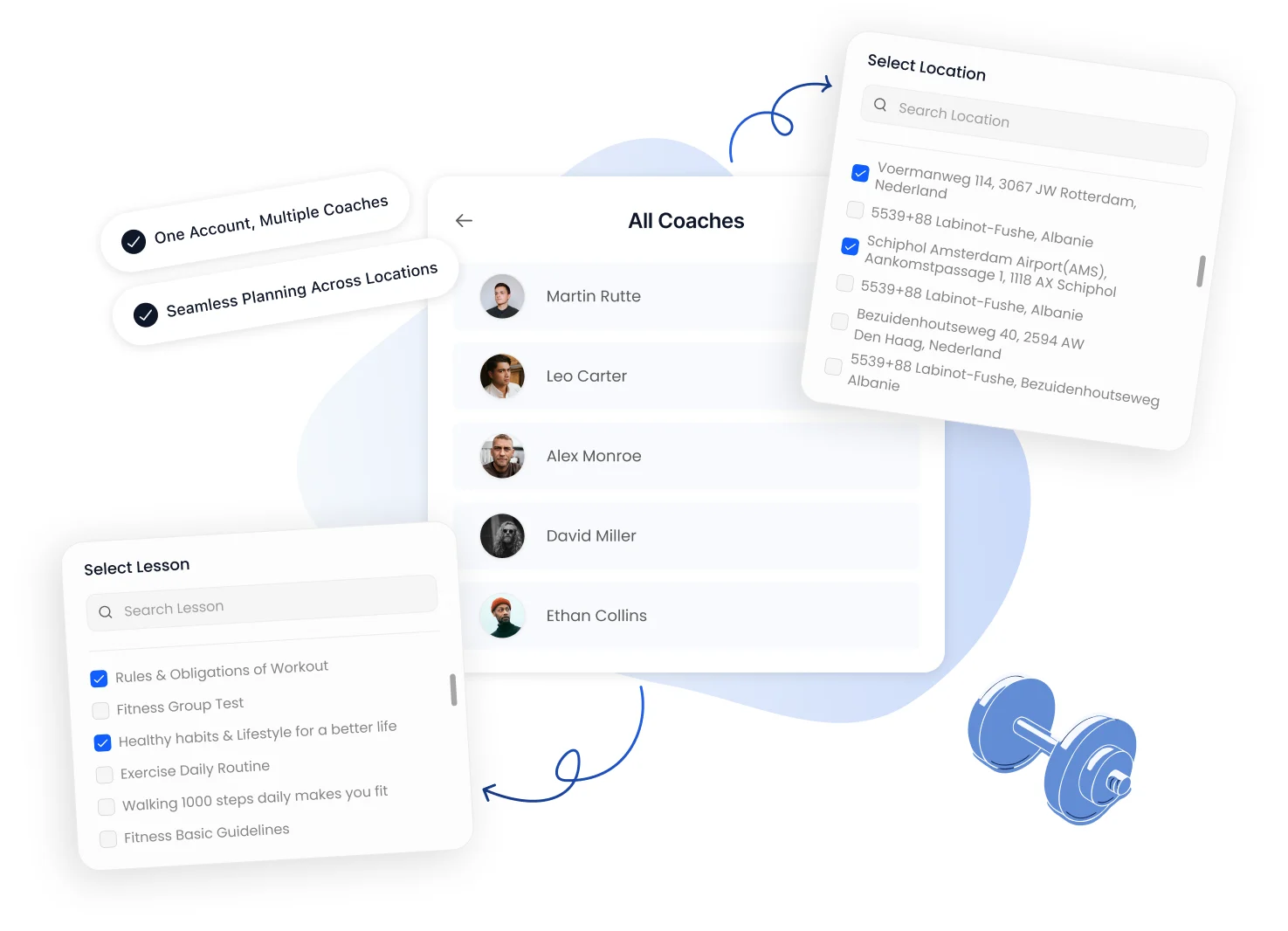
For an individual session, you configure whether a member sees an available coach, location, or a combination of both. Members book a suitable time through the FITsociety App or your own online portal.
  • Availability by coach and/or location
  • Suitable times visible to members
  • Book via app or online portal
Illustration for Book around coach and location availability

Review sign-ups and cancellations centrally

Manage sign-ups and cancellations from the same planning context. Your team can see available places without checking every class manually.

  • Available places at a glance
  • Clearer for members
  • One planning context for the team
Illustration for Review sign-ups and cancellations centrally

For studios where the timetable runs the operation

A booking is not an isolated calendar item. A gym or studio needs a timetable that members understand and coaches can deliver. For an individual session, you decide which coach and location availability applies to the booking. Members then book through the FITsociety App or your own online portal.

Explore gym software, software for yoga studios and software for Pilates studios. Want to compare your own booking flow with FITsociety? Book a demo.

Frequently asked questions about class booking

Members can see the up-to-date timetable in the FITsociety App or your own online portal and follow or book classes and sessions from that planning view. You decide which classes you make available in your offer.
Yes. For individual sessions, you can align booking with the configured availability of a coach, a location, or both. Members then see the available options in the app or your own online portal.
Yes. The calendar provides visibility of sign-ups, cancellations and available places, so your team can follow the plan without separate lists.
Yes, when you need a clear timetable and one place for bookings. See the dedicated yoga and Pilates studio pages for the wider business context.

Turn your timetable into a clear booking flow